
PROJECT LILLY
-
-
How can AI enhance Art Direction for future concepts?
Using AI tools, I wanted to explore the process of developing a photo/video shoot with clear creative direction that could be handed off to a photographer/videographer to execute. My goal is not only to create striking key visuals, but to build an entire world. A world that explores setting, atmosphere, and supporting elements to tell a story that feels both realistic and emotionally grounded. In practice, this work would be curated and handed over to ensure the final execution stays on brand and aligned with the original concept, leaving room for artistic exploration.
I'm focused on pushing the boundaries of AI by blending multiple tools to produce results that feel polished, distinctive, and beyond the current standard.
Using AI tools, I wanted to explore the process of developing a photo/video shoot with clear creative direction that could be handed off to a photographer/videographer to execute. My goal is not only to create striking key visuals, but to build an entire world. A world that explores setting, atmosphere, and supporting elements to tell a story that feels both realistic and emotionally grounded. In practice, this work would be curated and handed over to ensure the final execution stays on brand and aligned with the original concept, leaving room for artistic exploration.
I'm focused on pushing the boundaries of AI by blending multiple tools to produce results that feel polished, distinctive, and beyond the current standard.
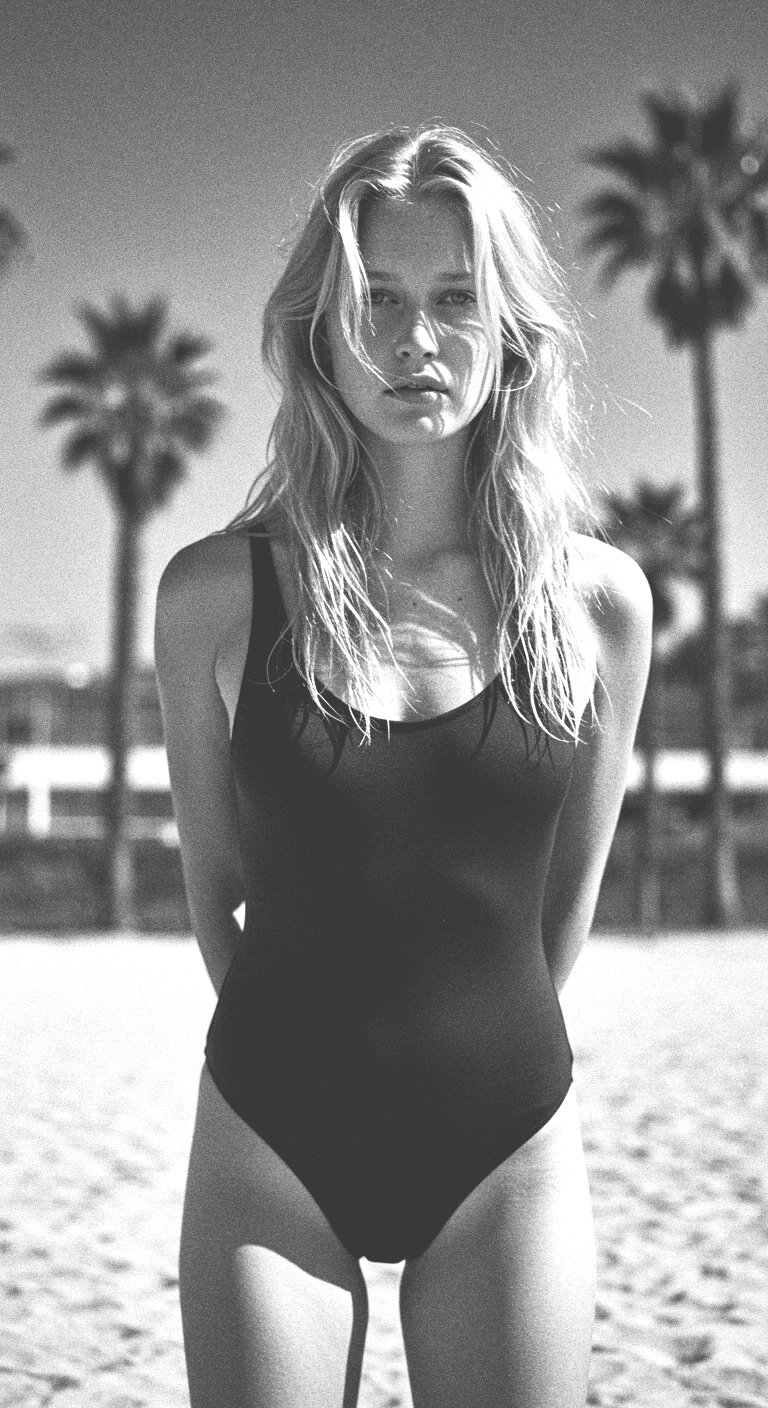
Initial Prompts
-
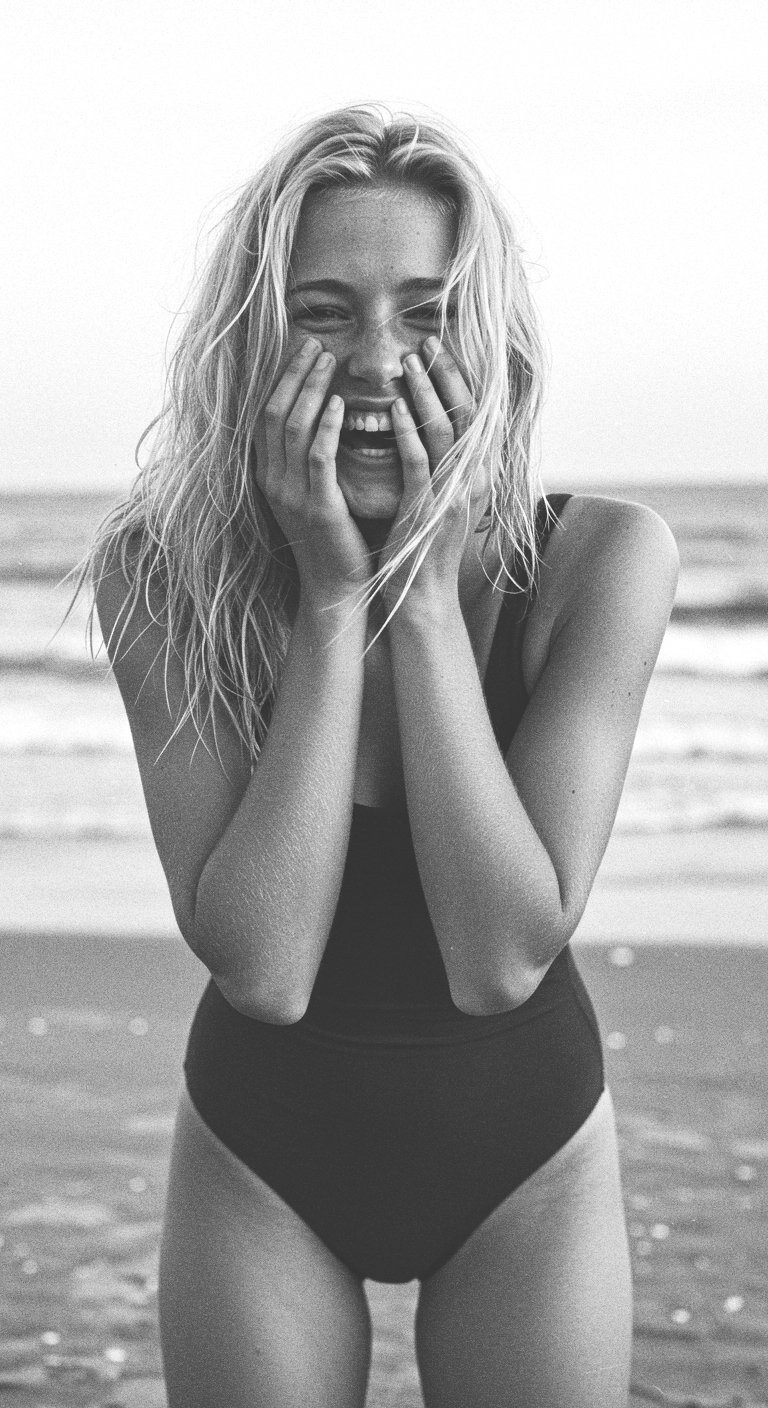
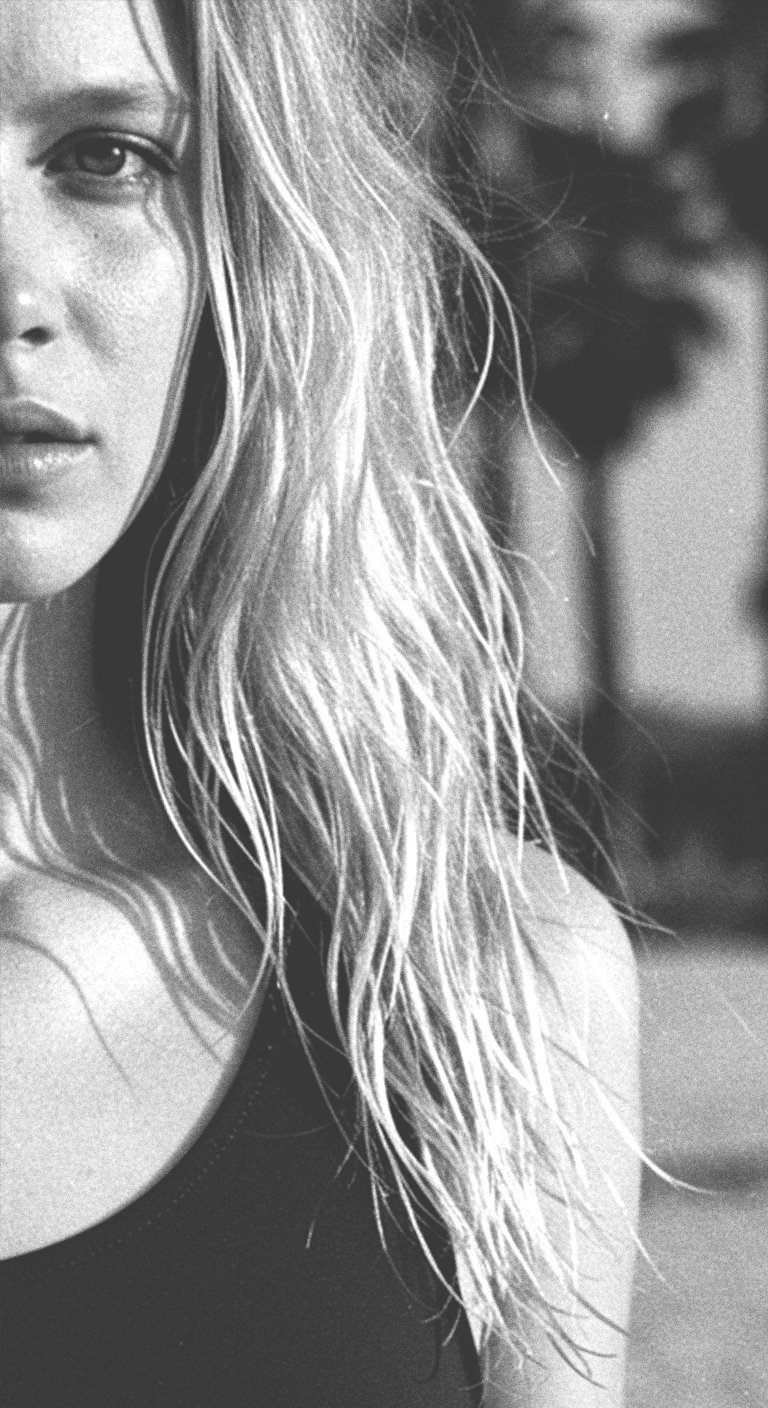
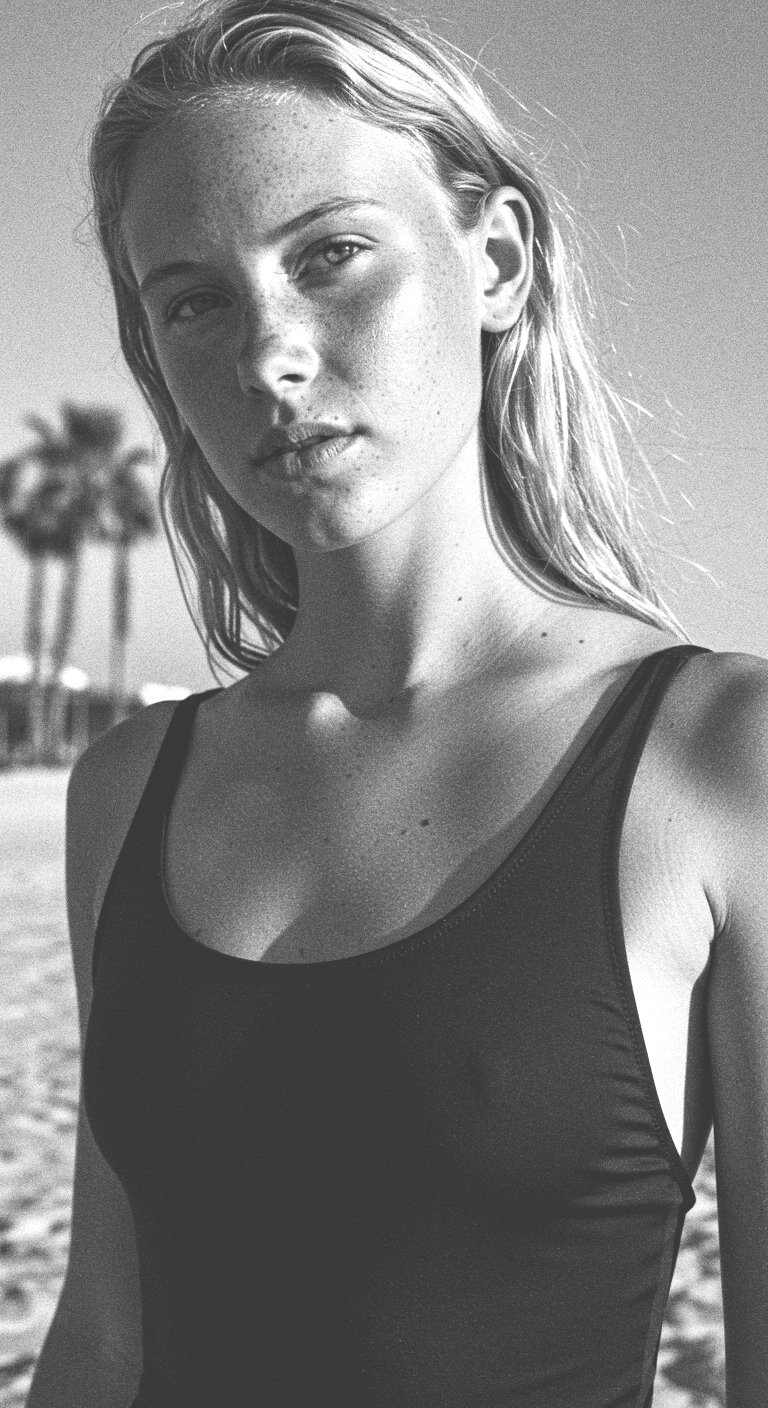
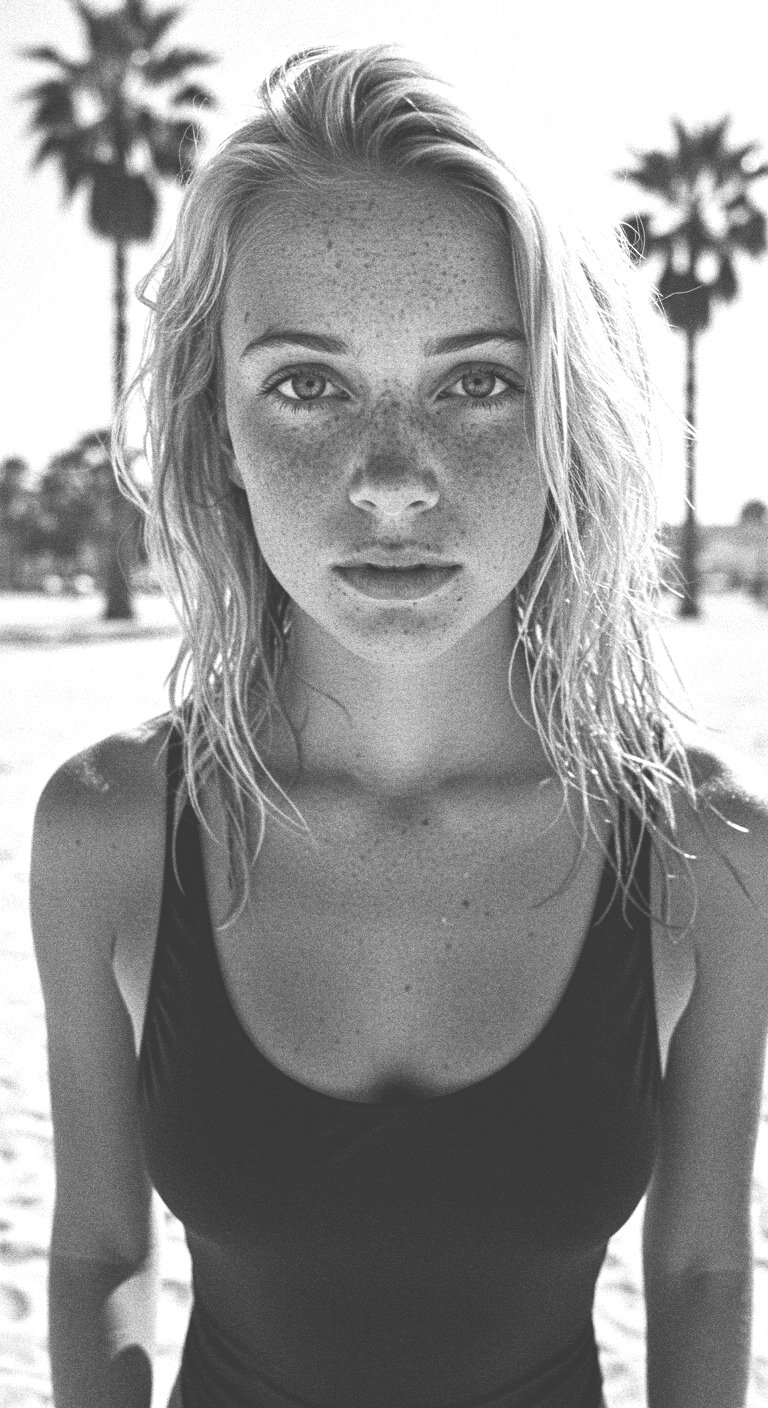
I started by building a prompt with a few key elements. These included the model type, key products, and location.
-
I started by building a prompt with a few key elements. These included the model type, key products, and location.
Example Prompt
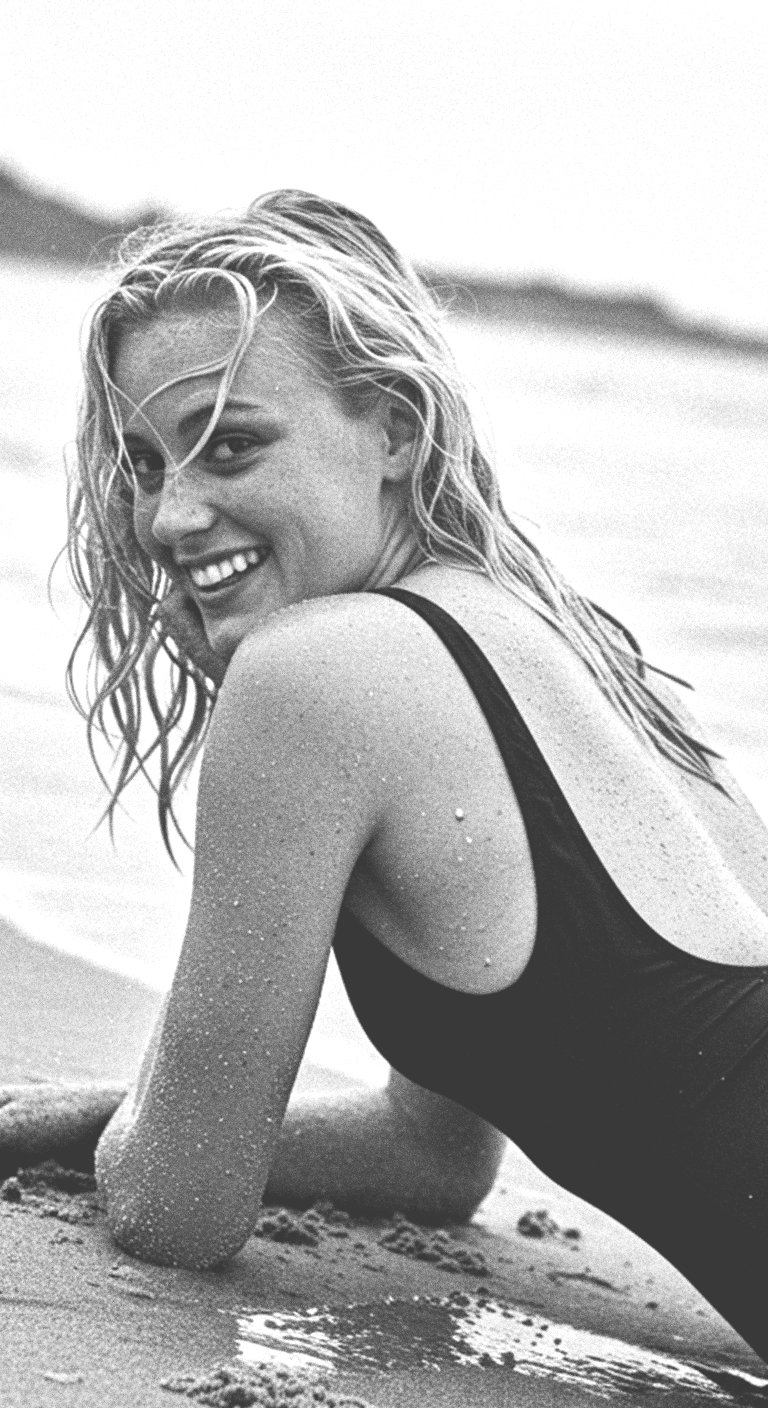
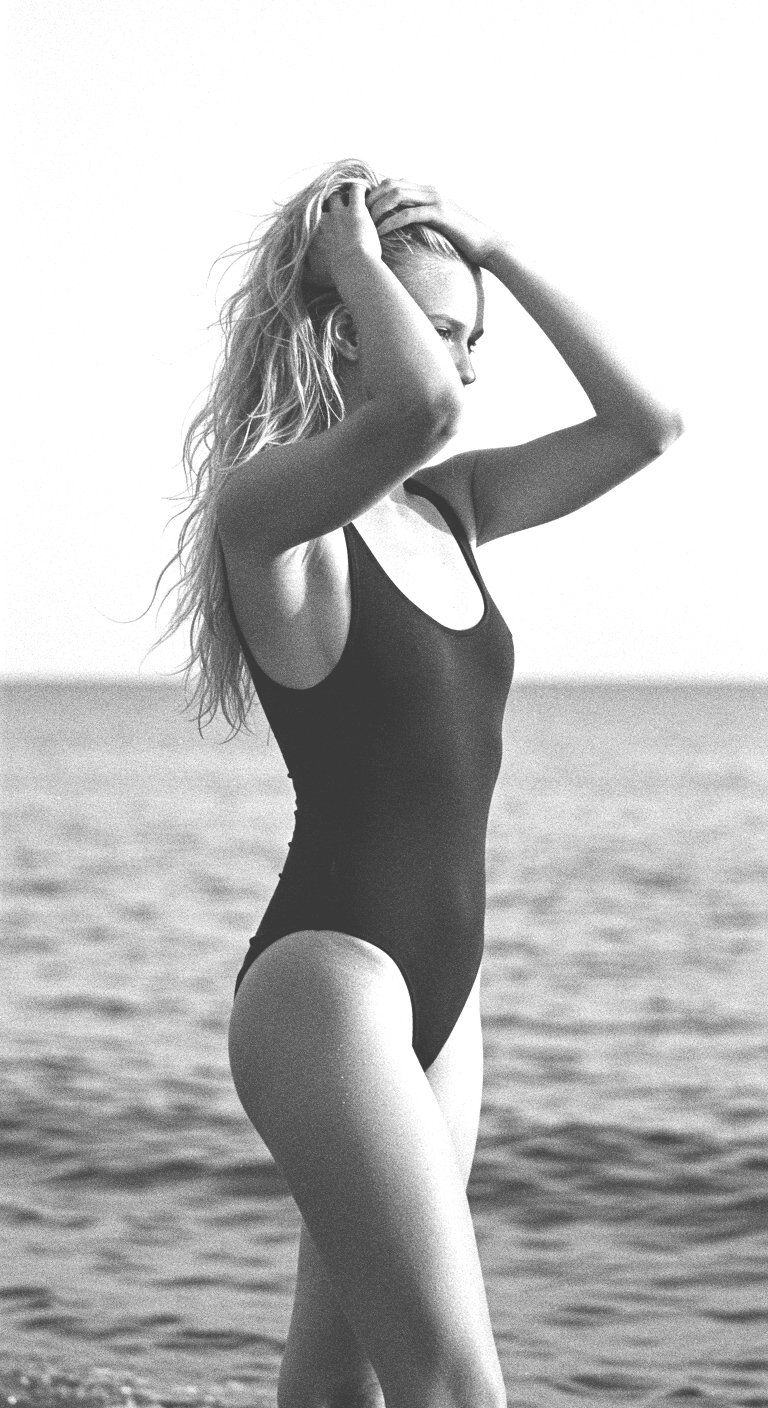
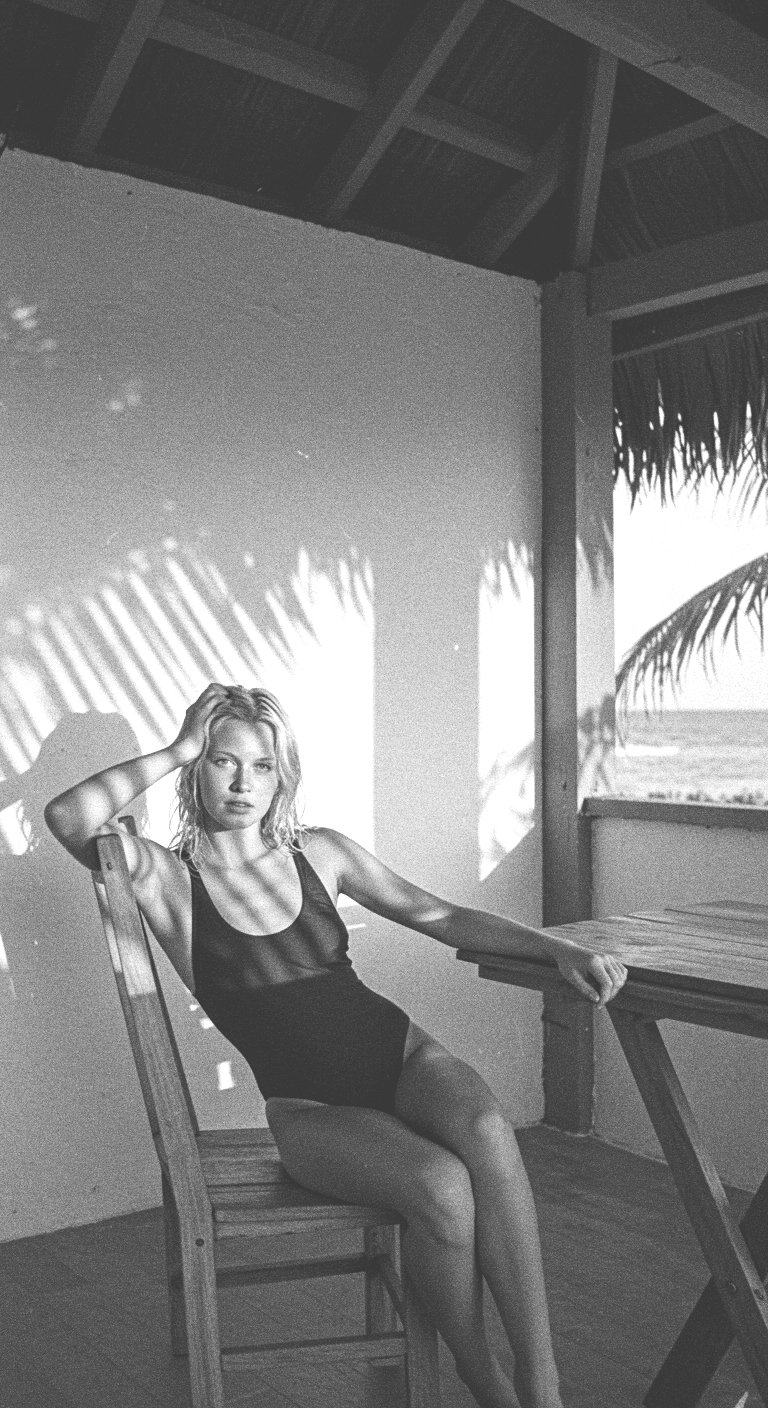
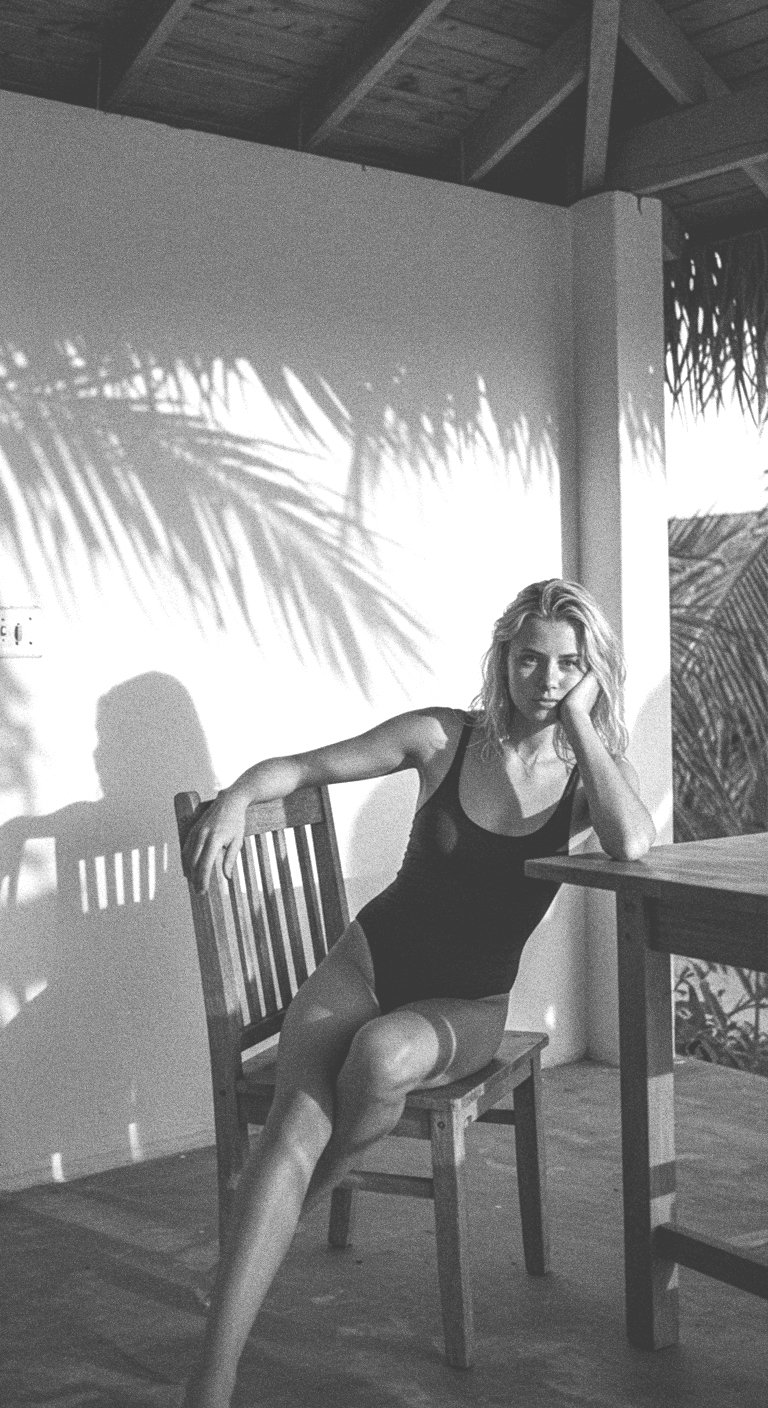
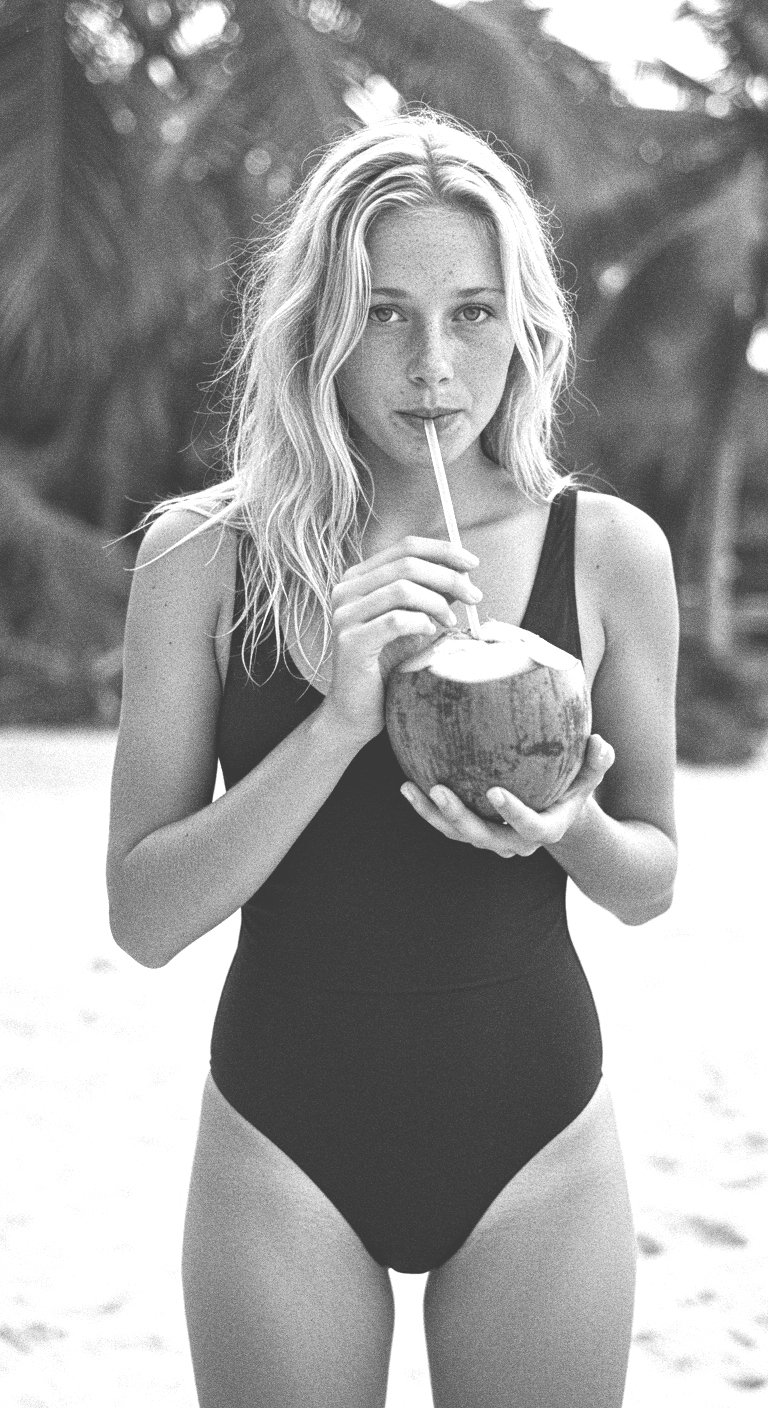
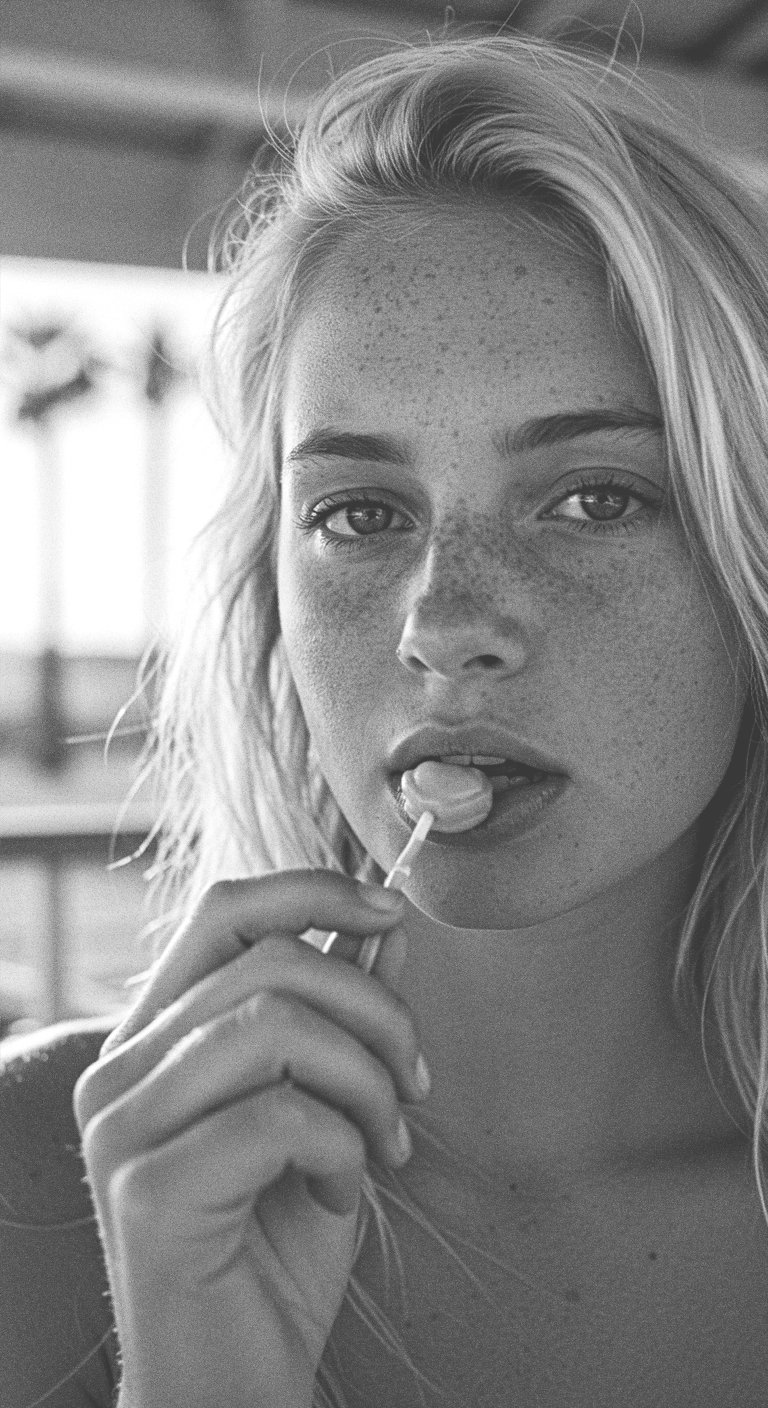
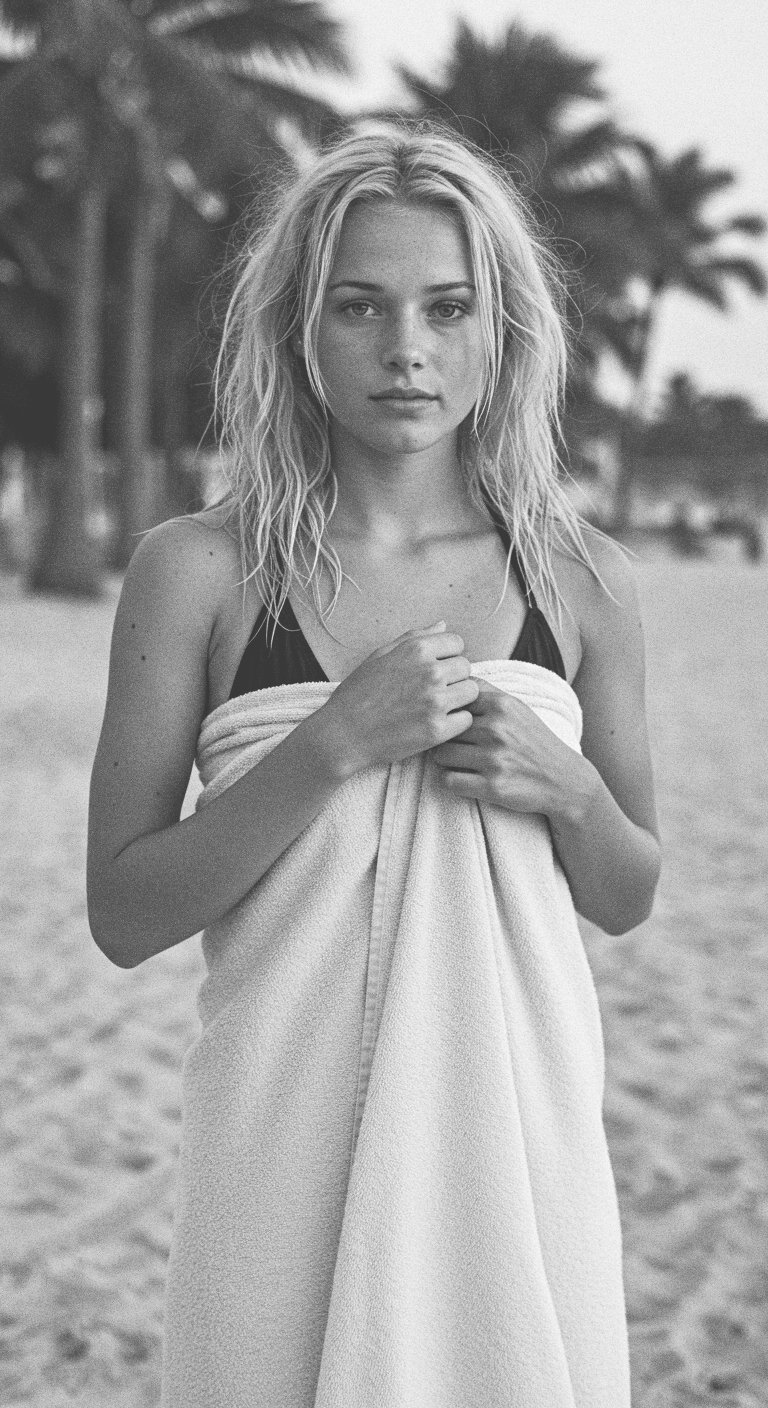
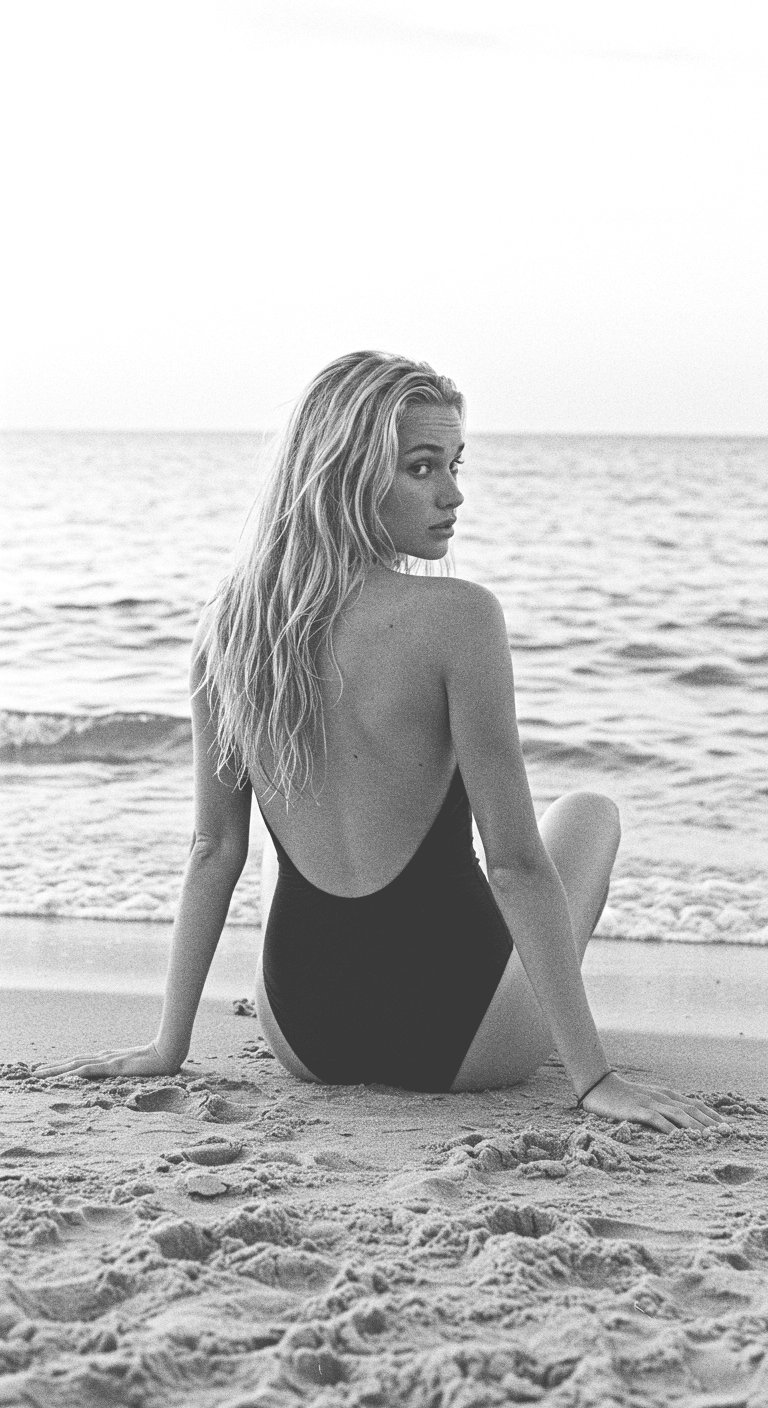
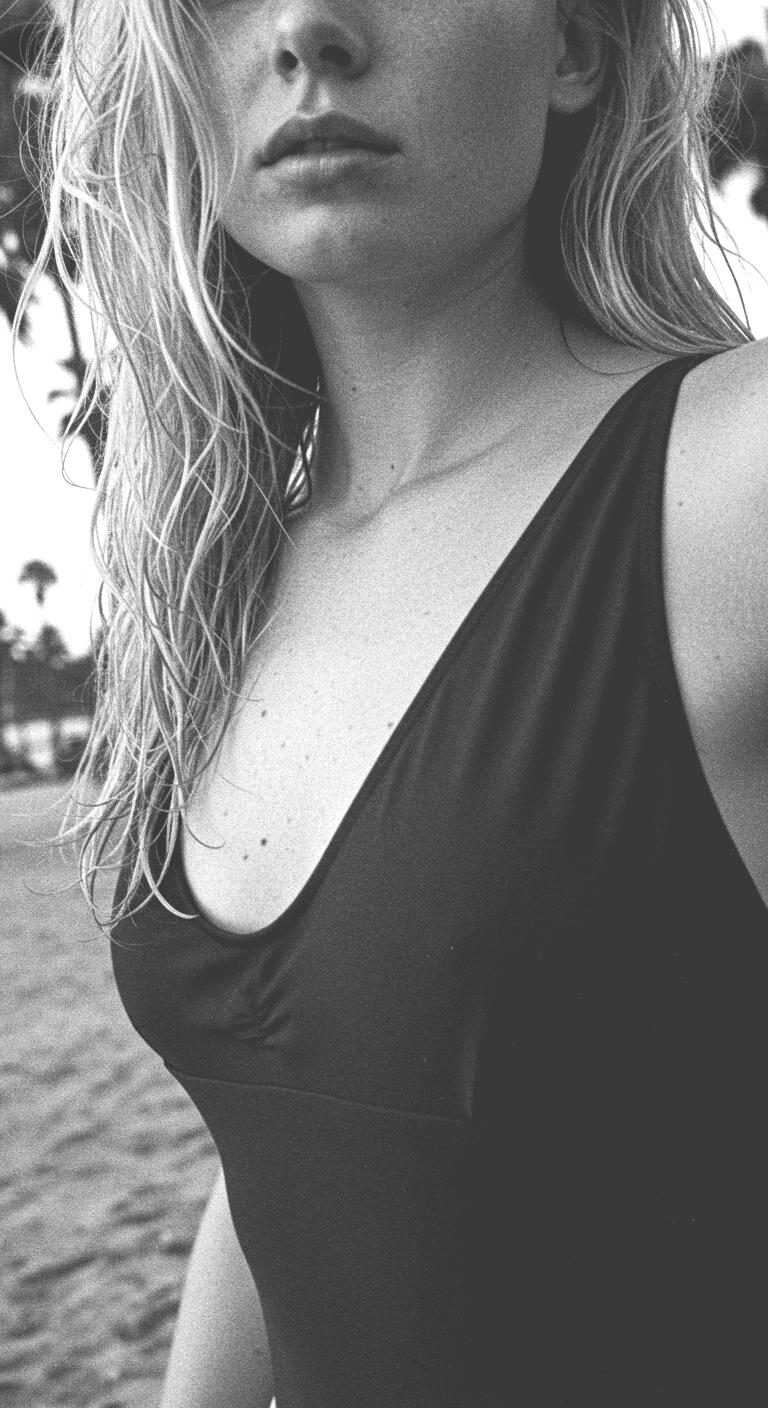
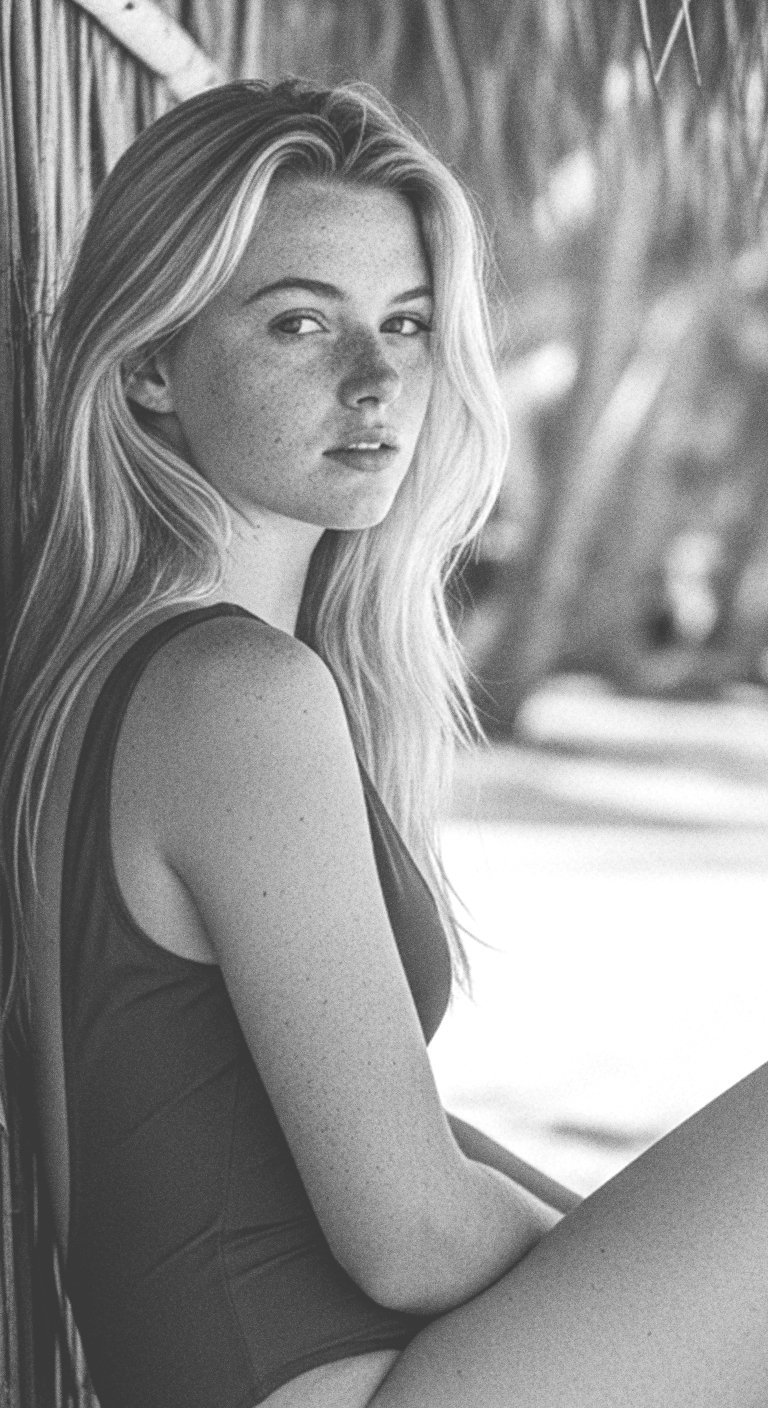
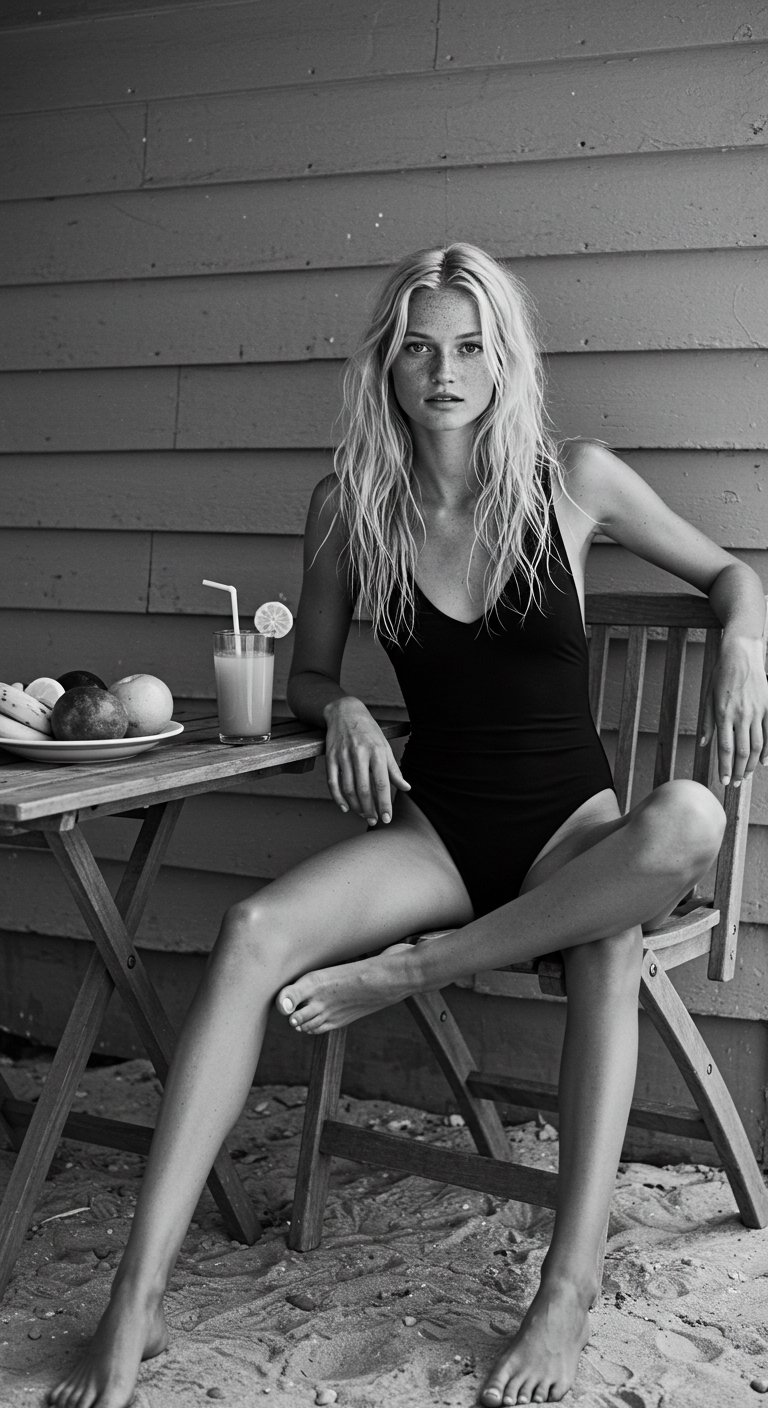
"... black and white close up portrait video with high contrast of a skinny white female model wearing a black one piece bathing suit from the 1990's. She is on the beach with palm trees in the background. She should be blonde with hair past her shoulders..."
"... black and white close up portrait video with high contrast of a skinny white female model wearing a black one piece bathing suit from the 1990's. She is on the beach with palm trees in the background. She should be blonde with hair past her shoulders..."
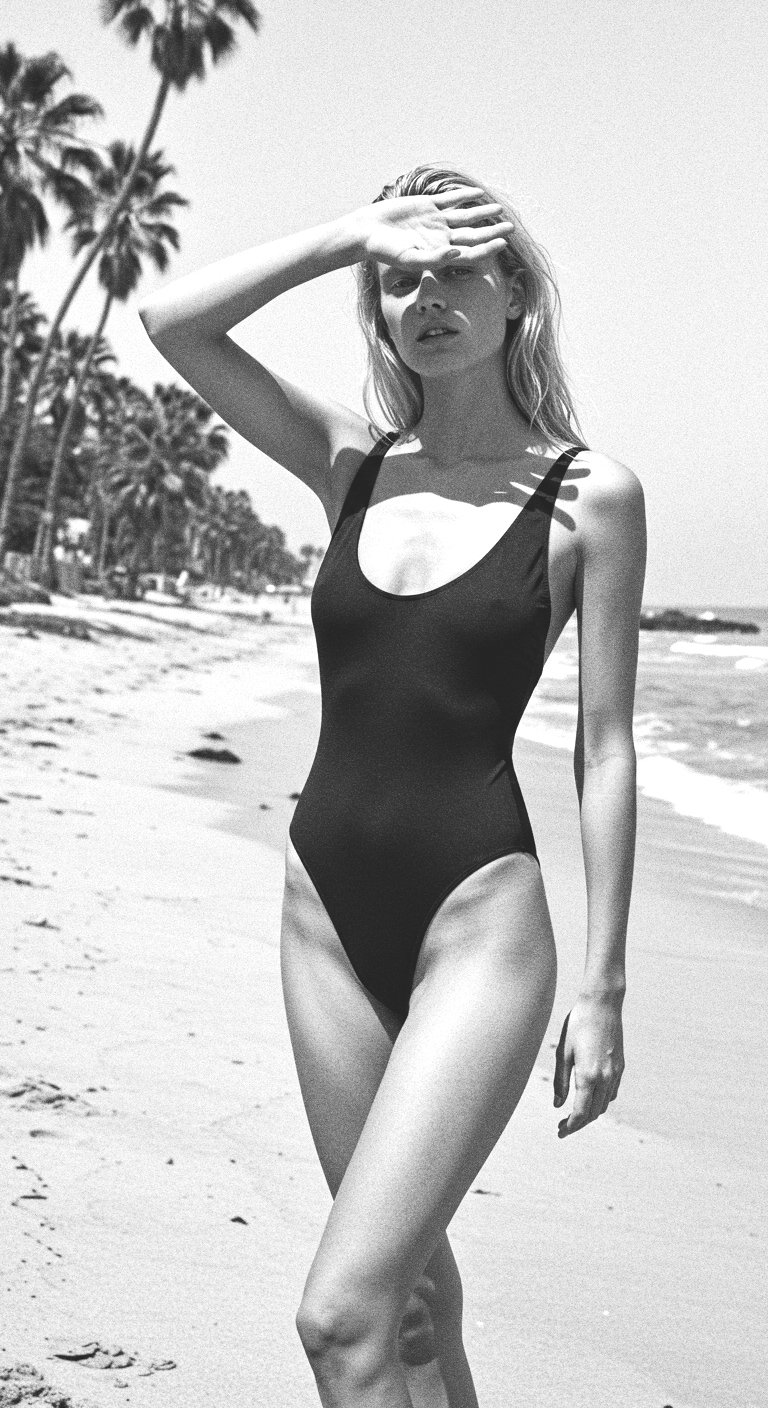
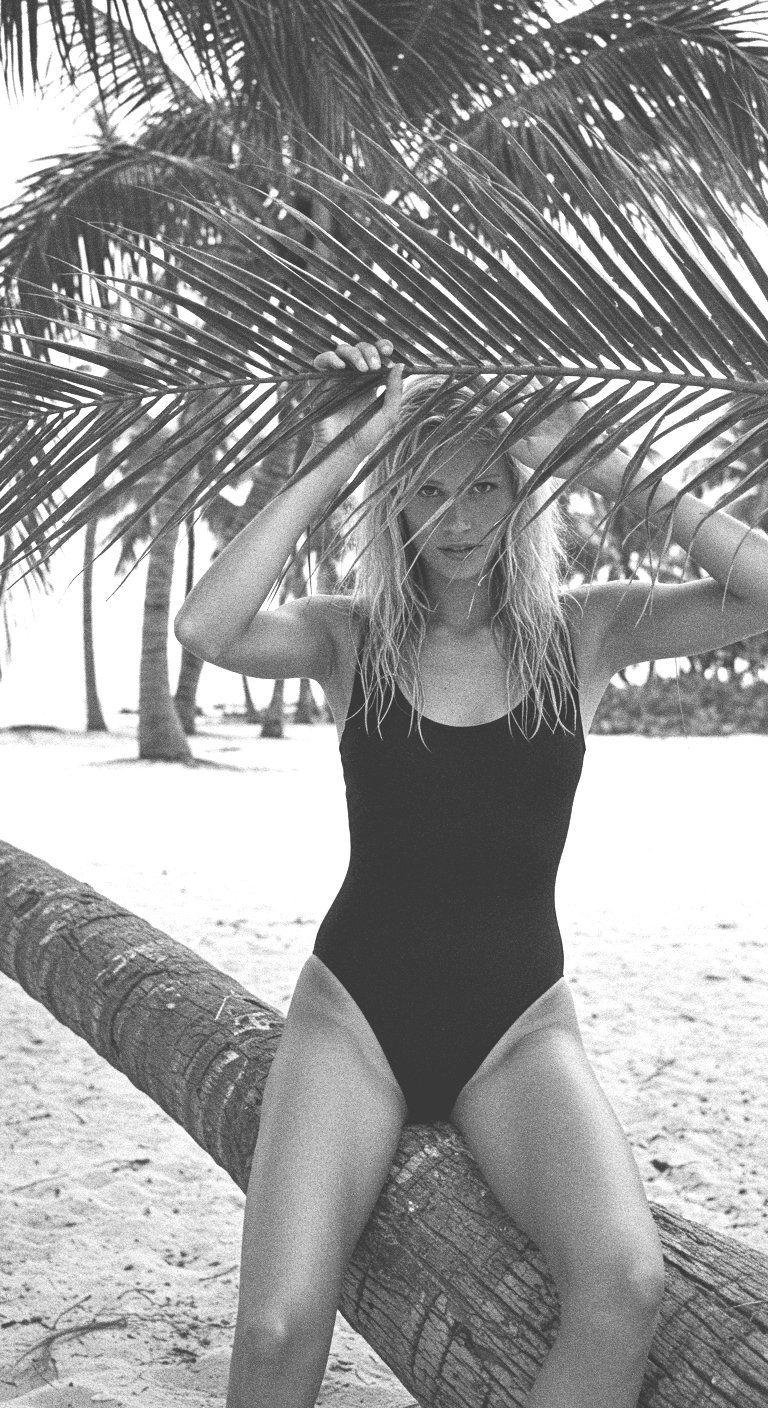
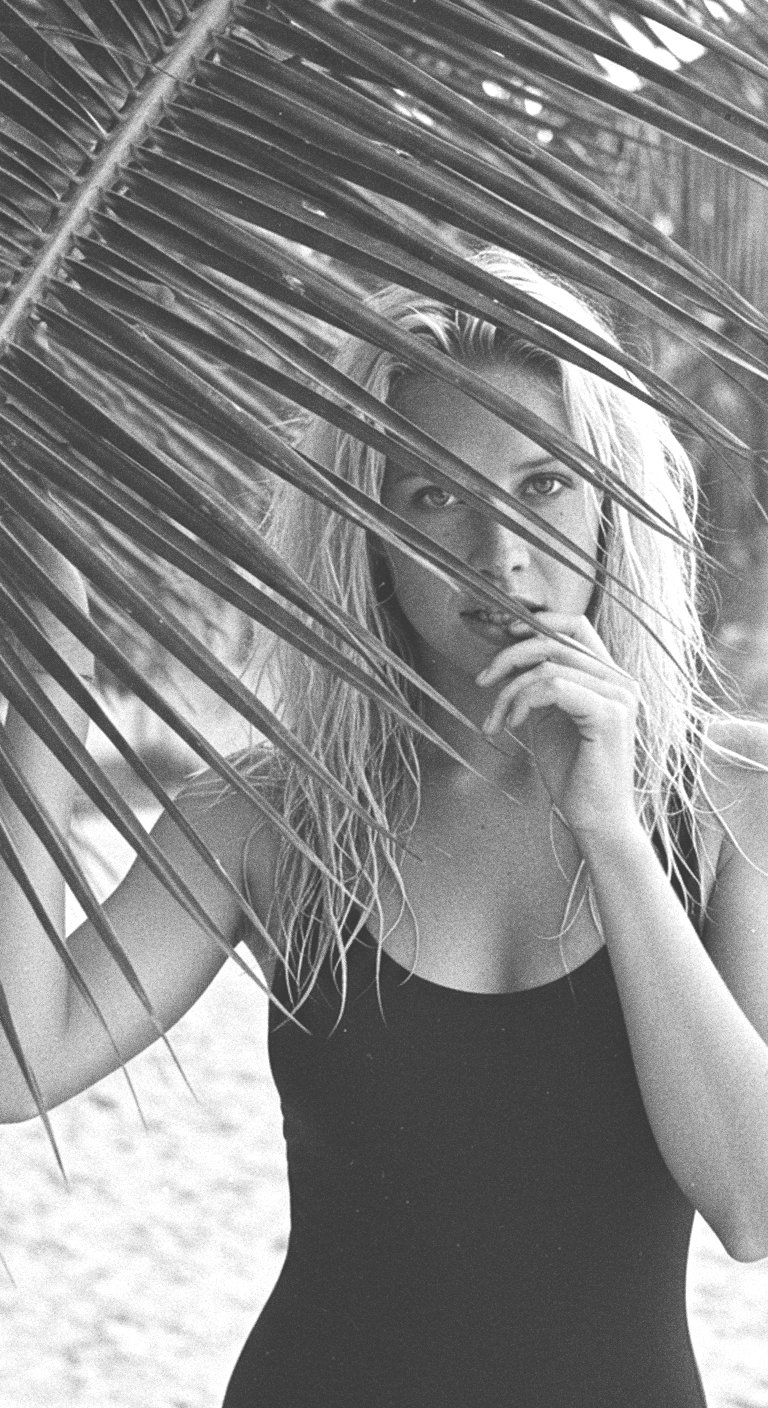
Building the world
-
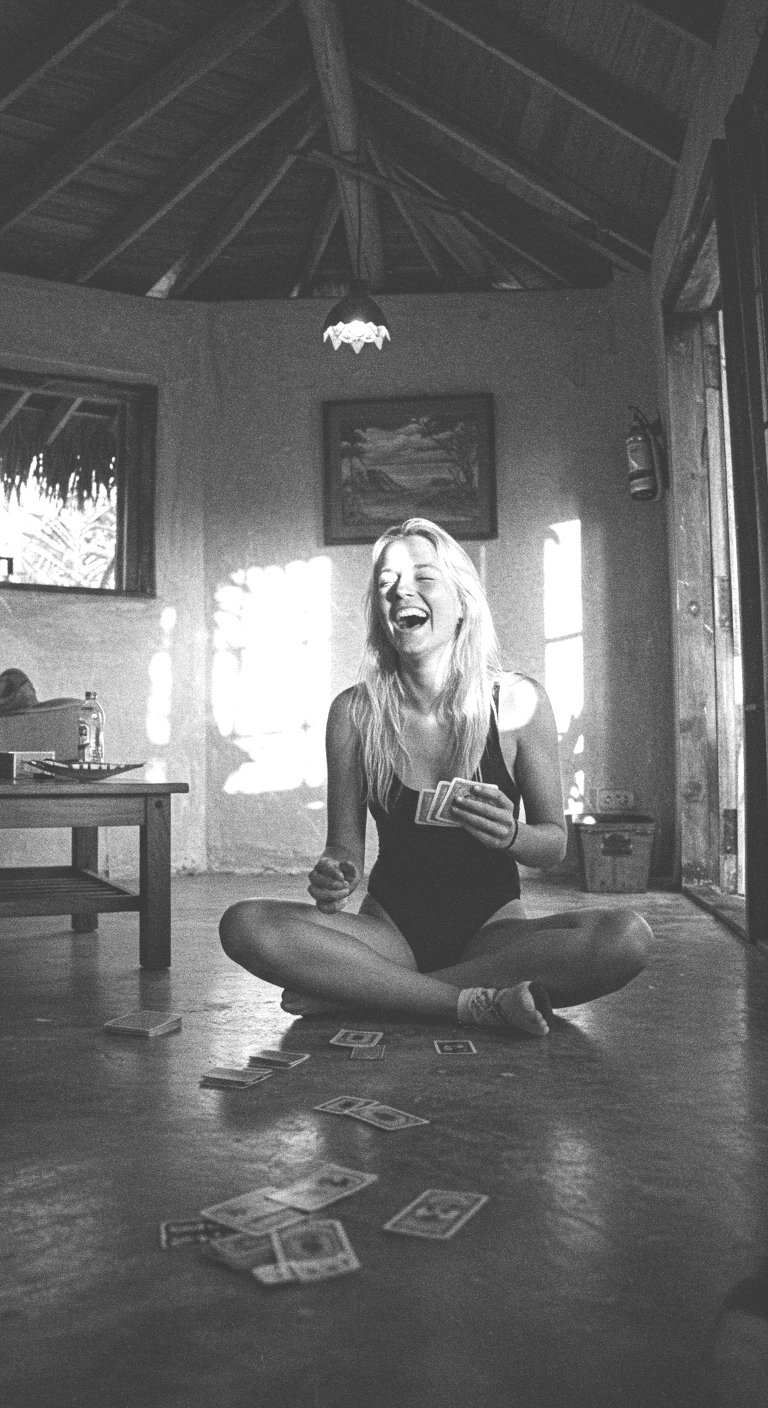
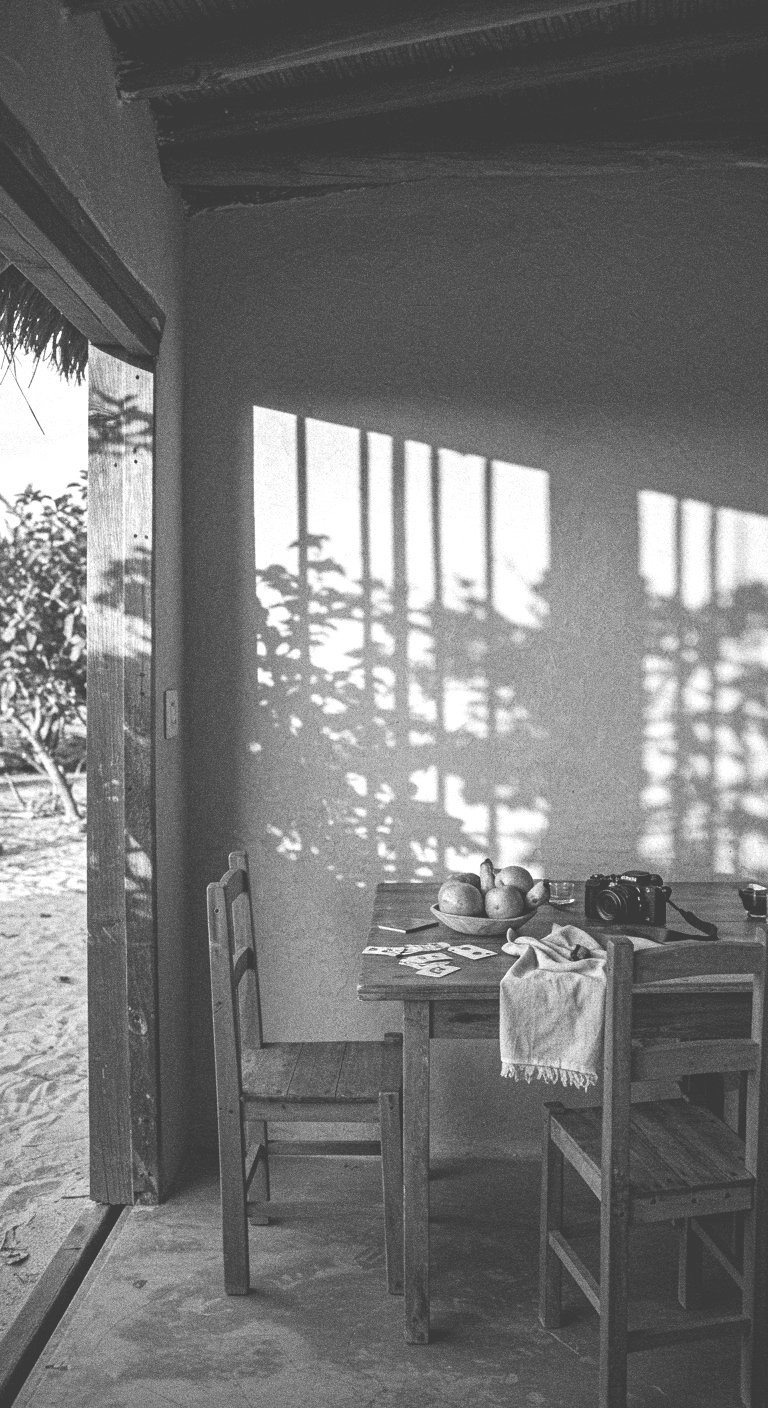
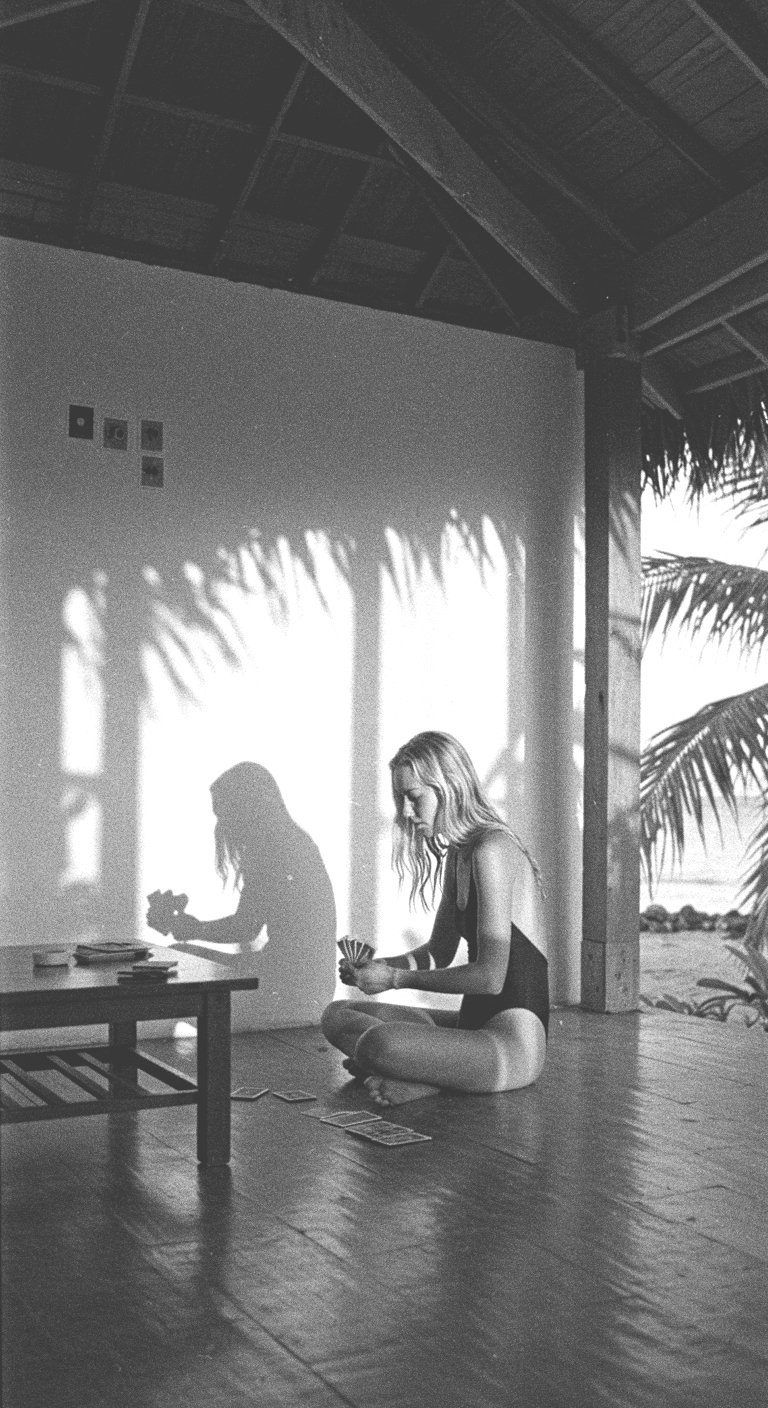
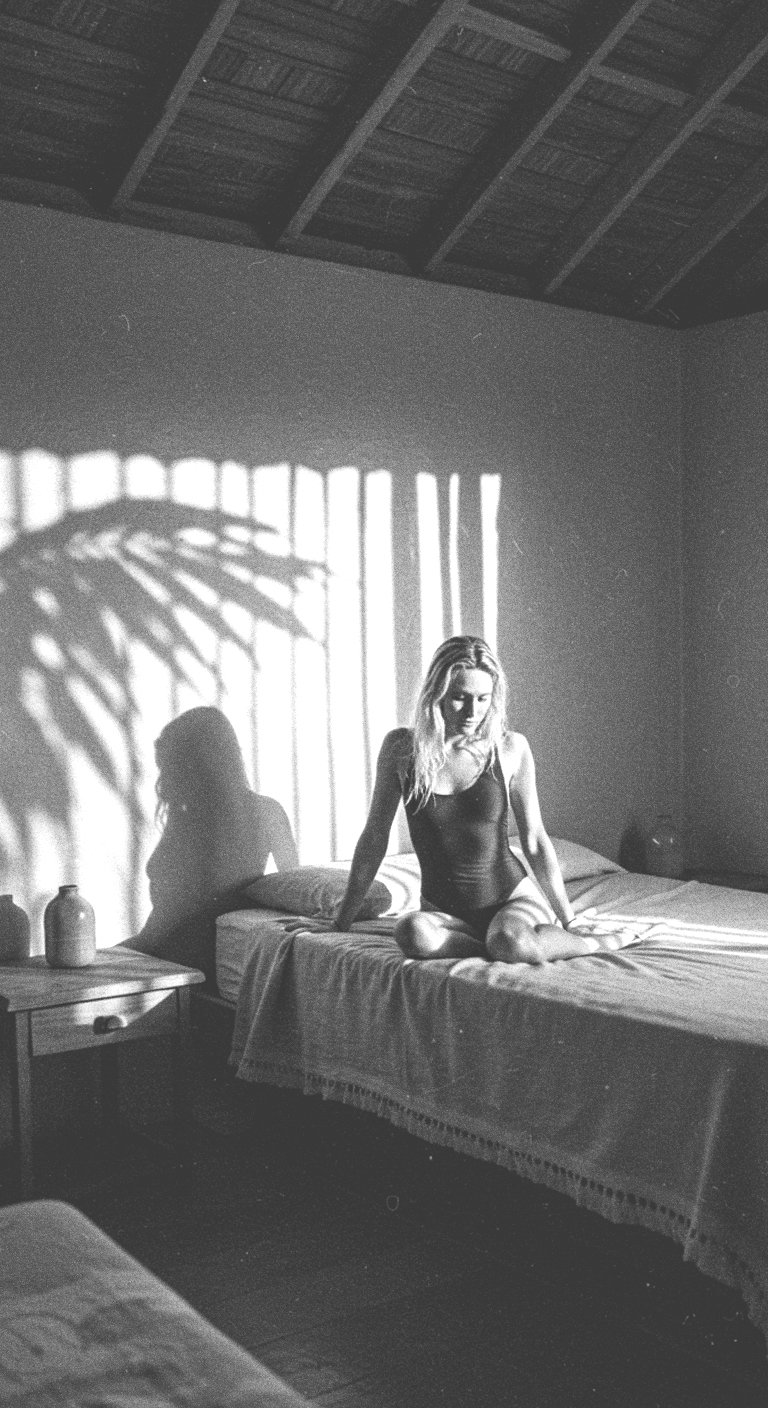
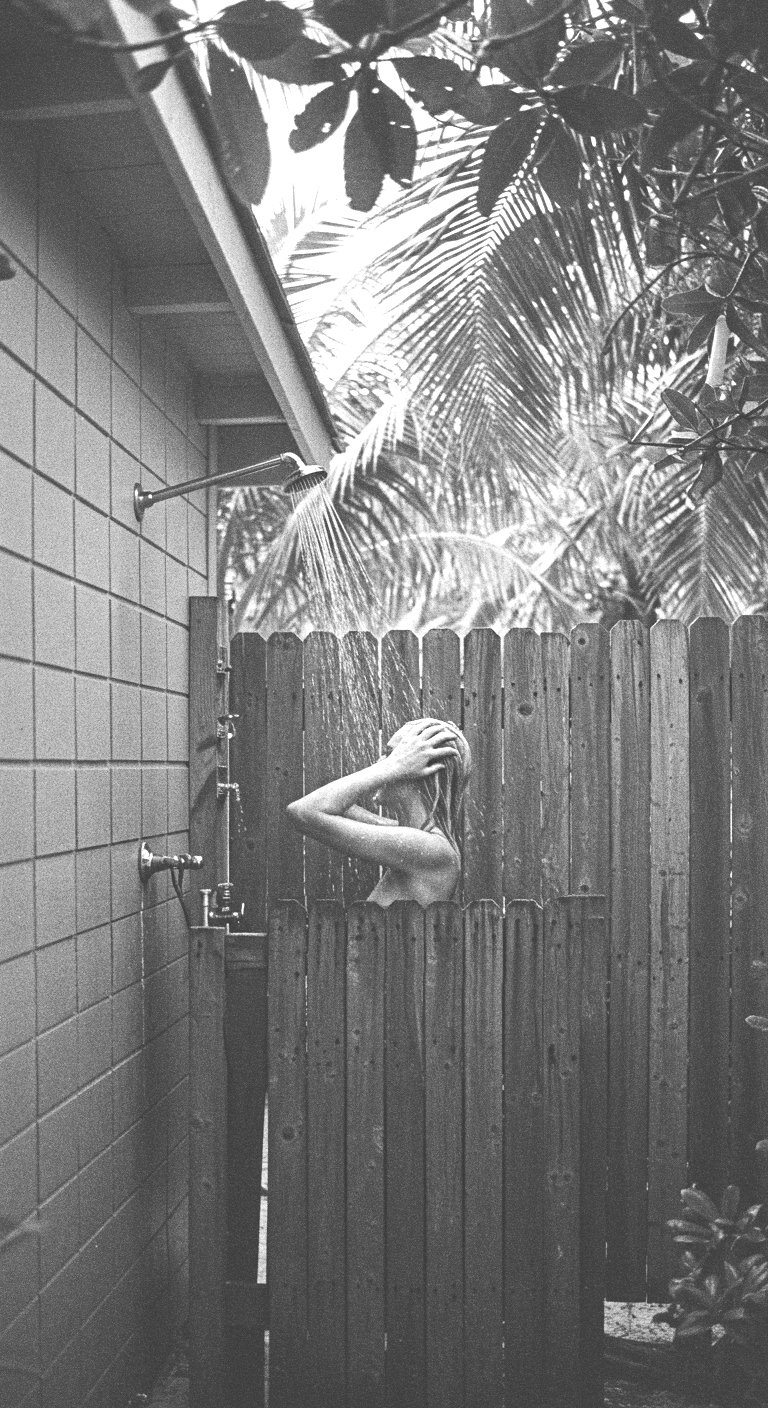
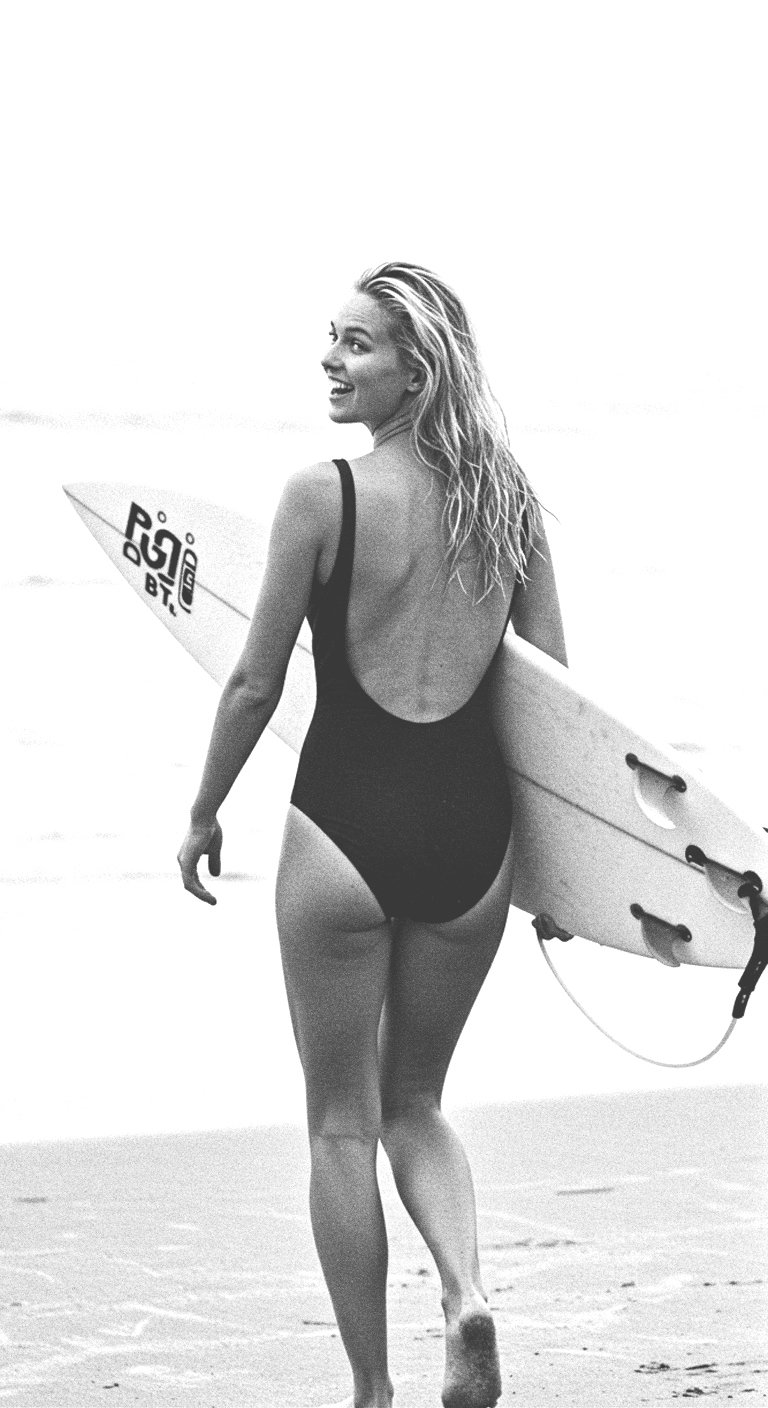
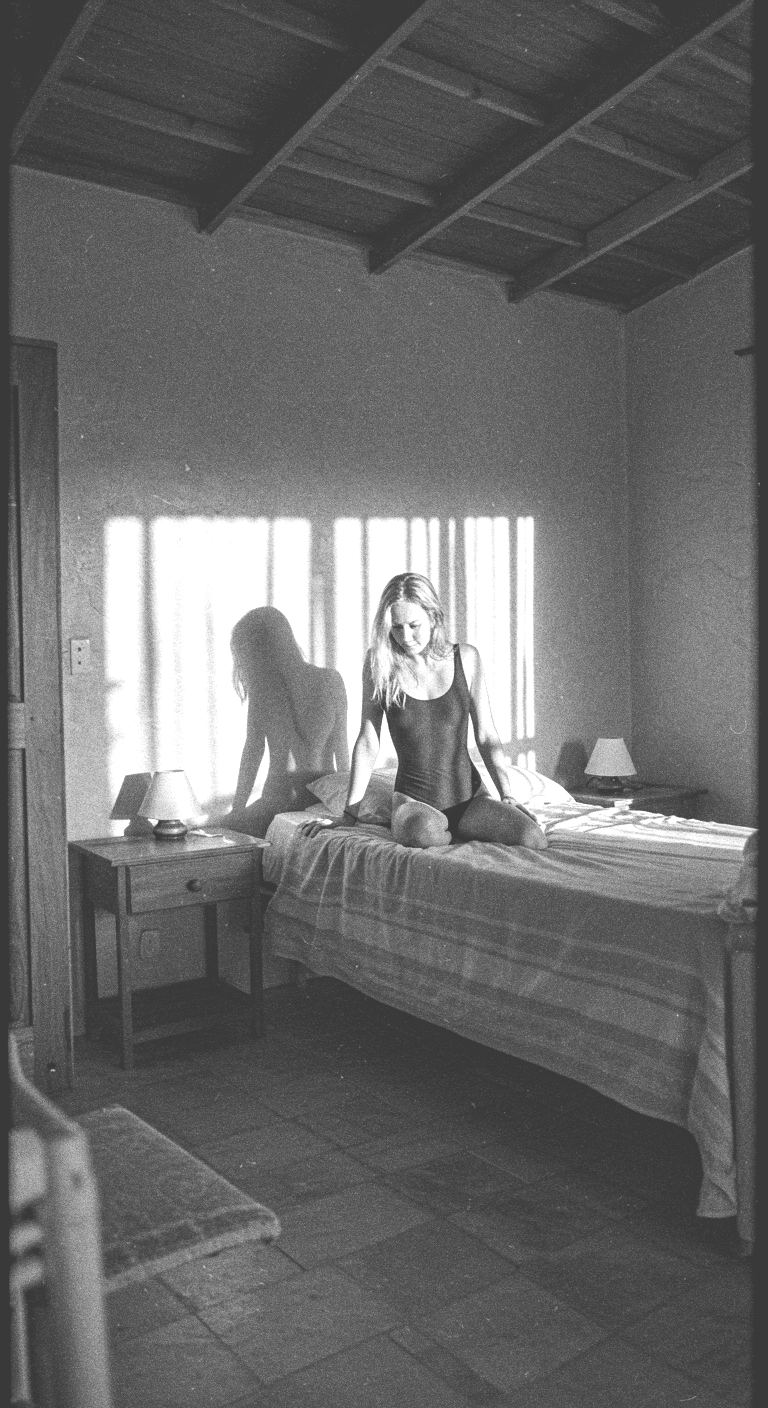
My aim is to build a world, not just key images of a model. This means including more surrounding elements of the shoot to round out the overall look and feel.
-
My aim is to build a world, not just key images of a model. This means including more surrounding elements of the shoot to round out the overall look and feel.
Expanding the concept
-
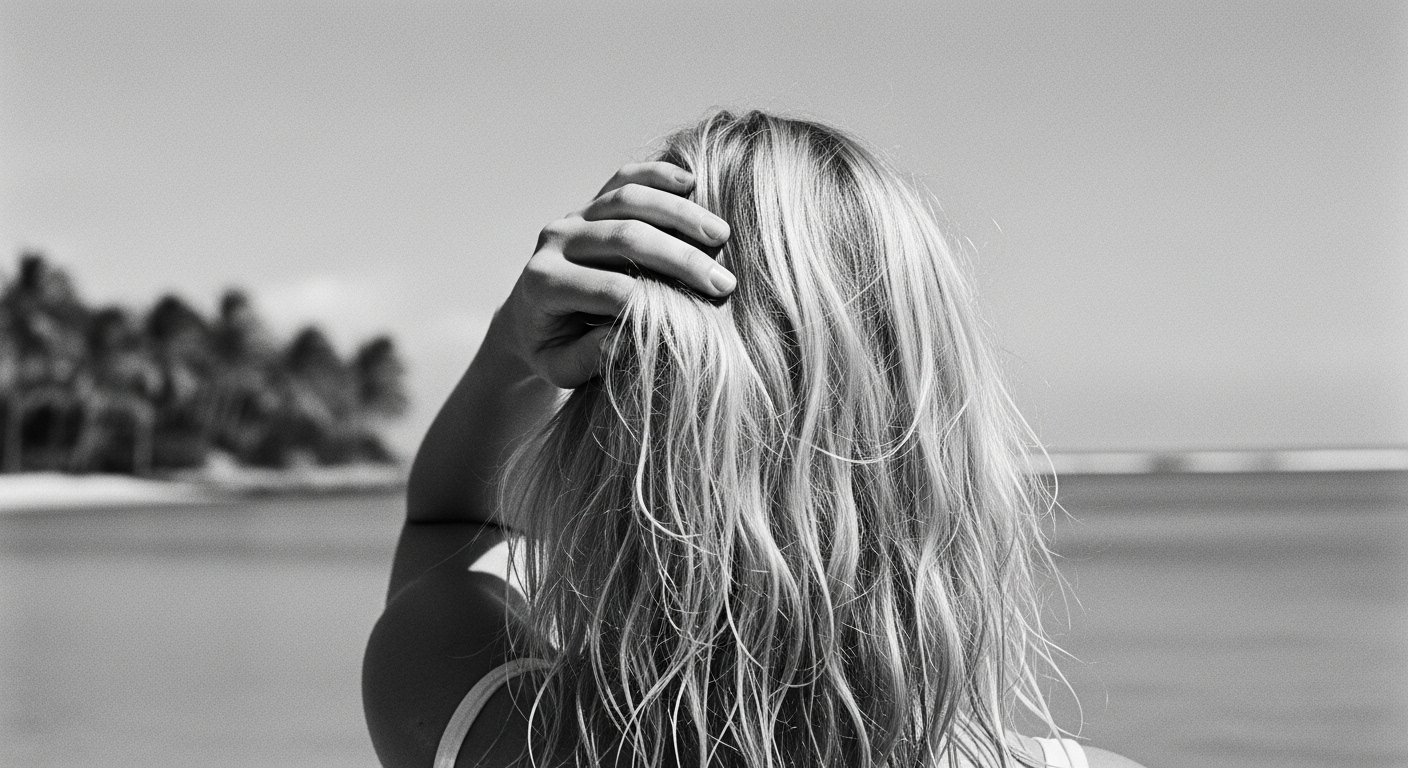
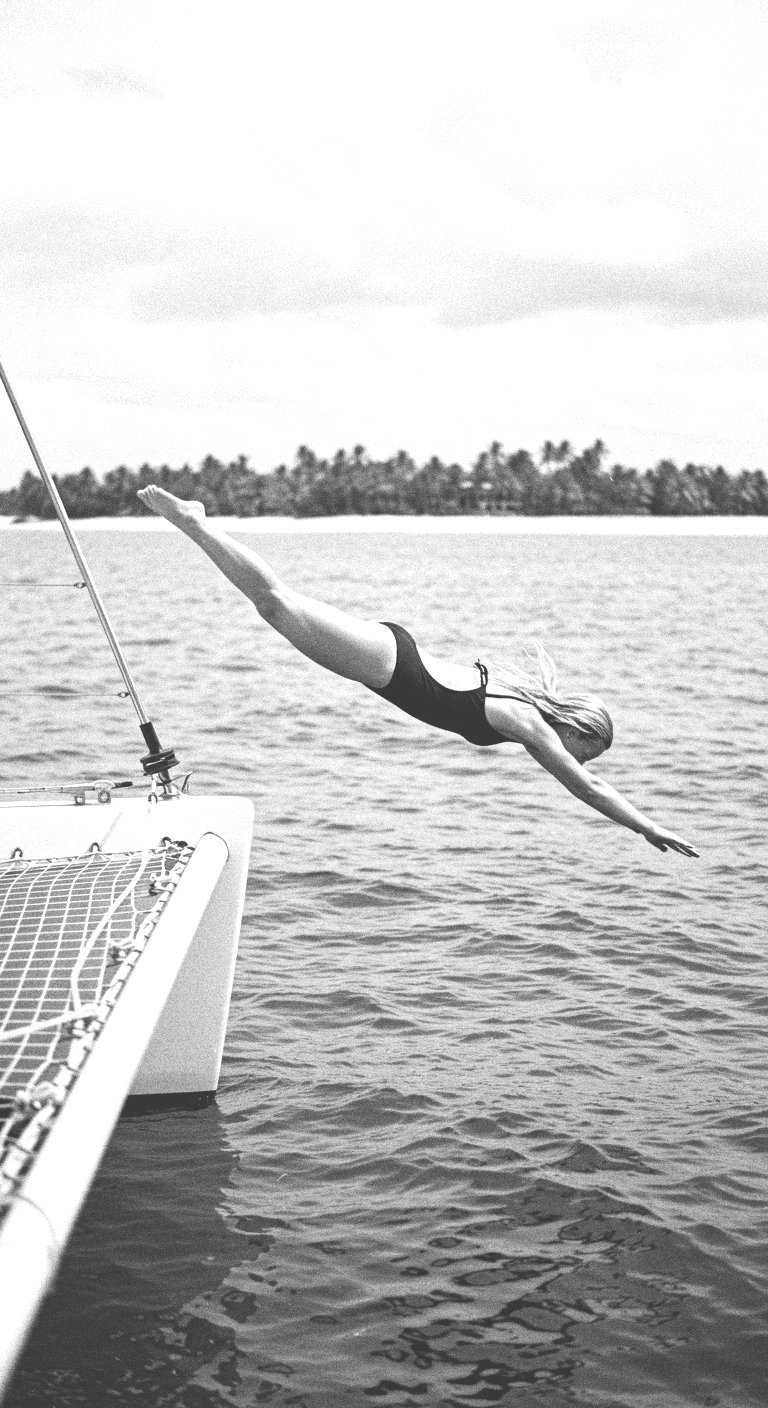
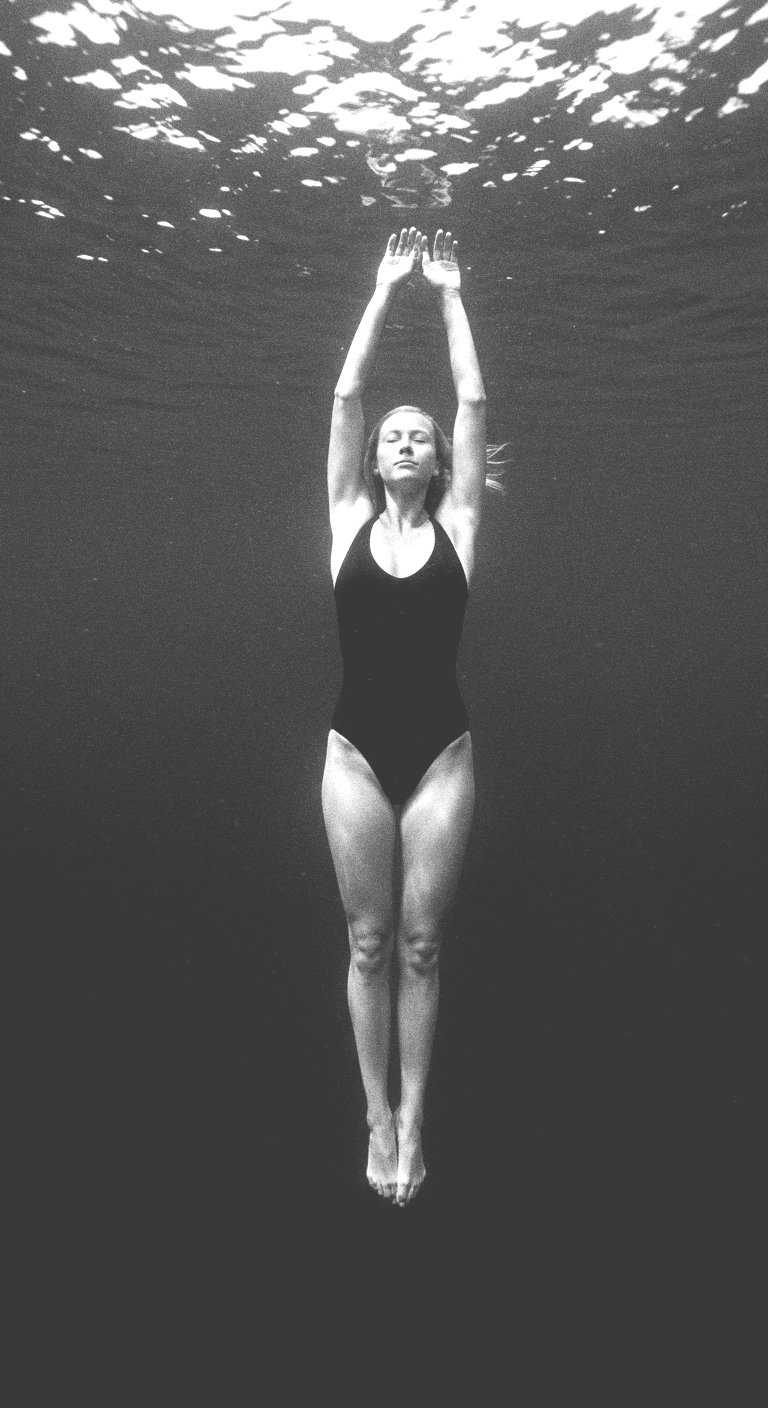
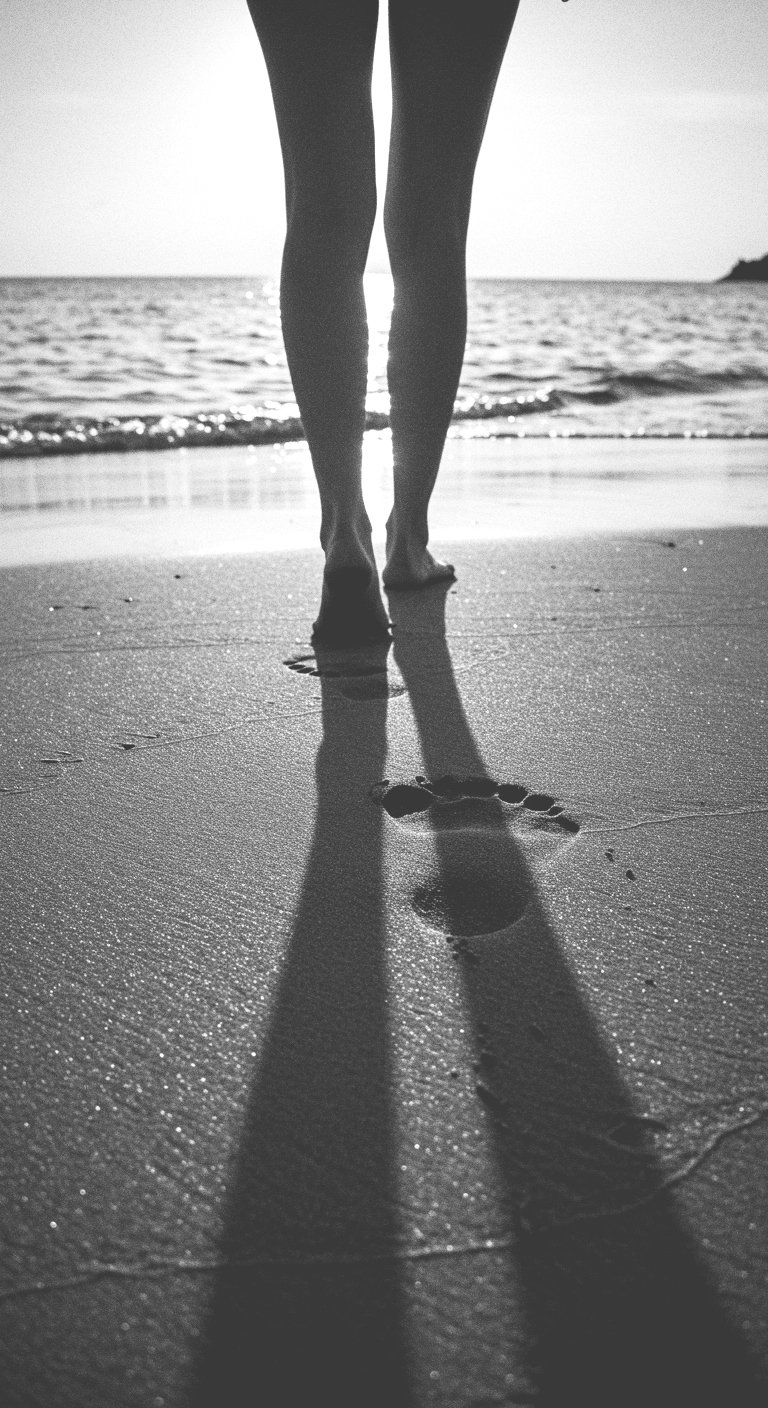
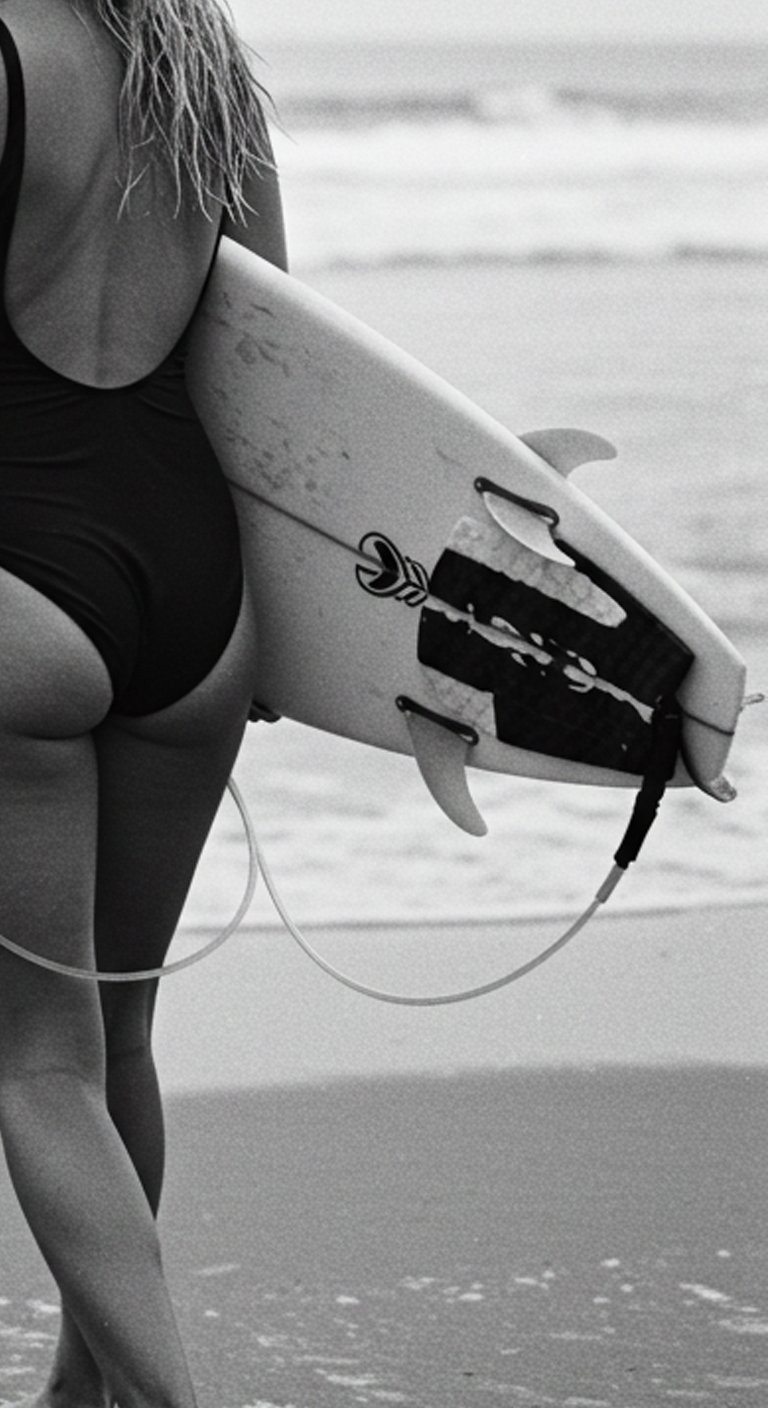
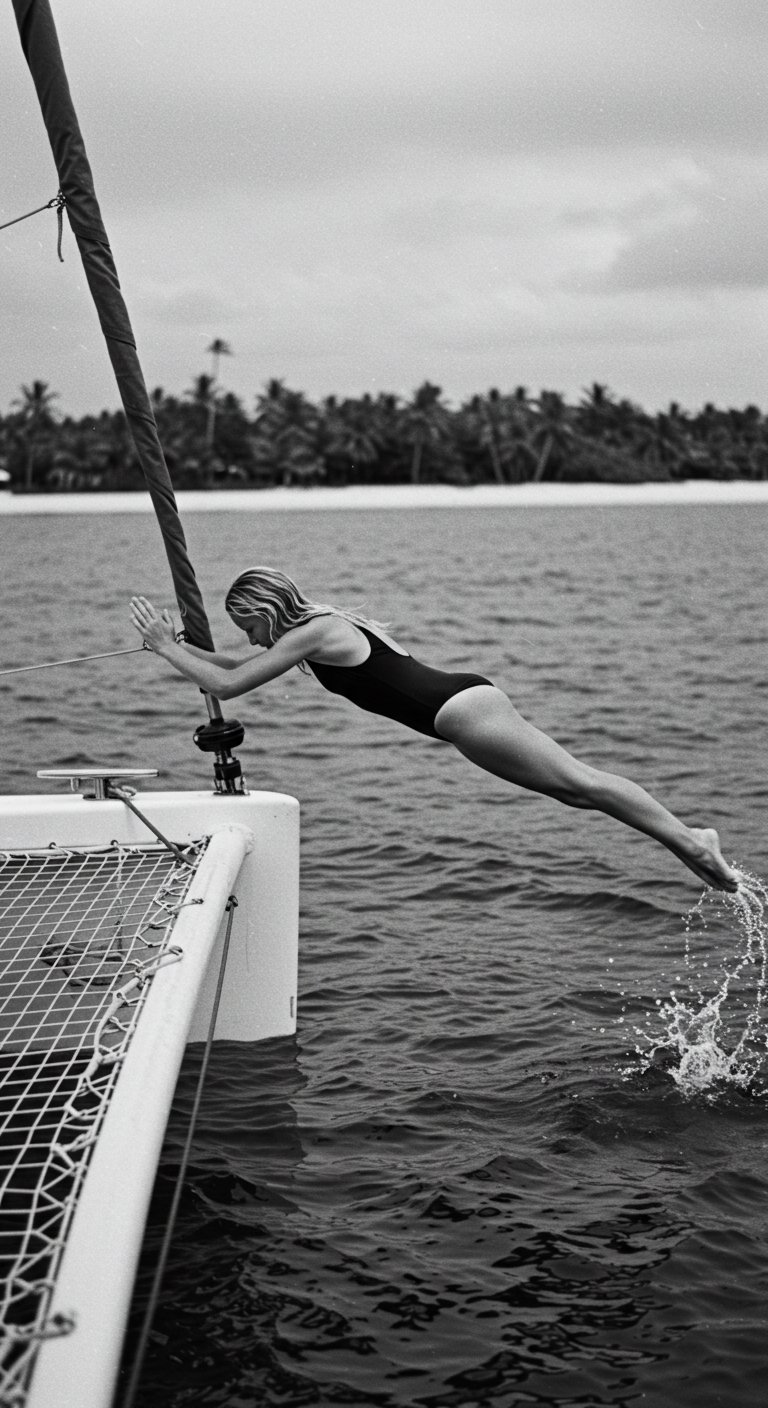
Building on the location, I wanted to explore the landscape, the location, environments, etc.
-
Building on the location, I wanted to explore the landscape, the location, environments, etc.
Expressions
-
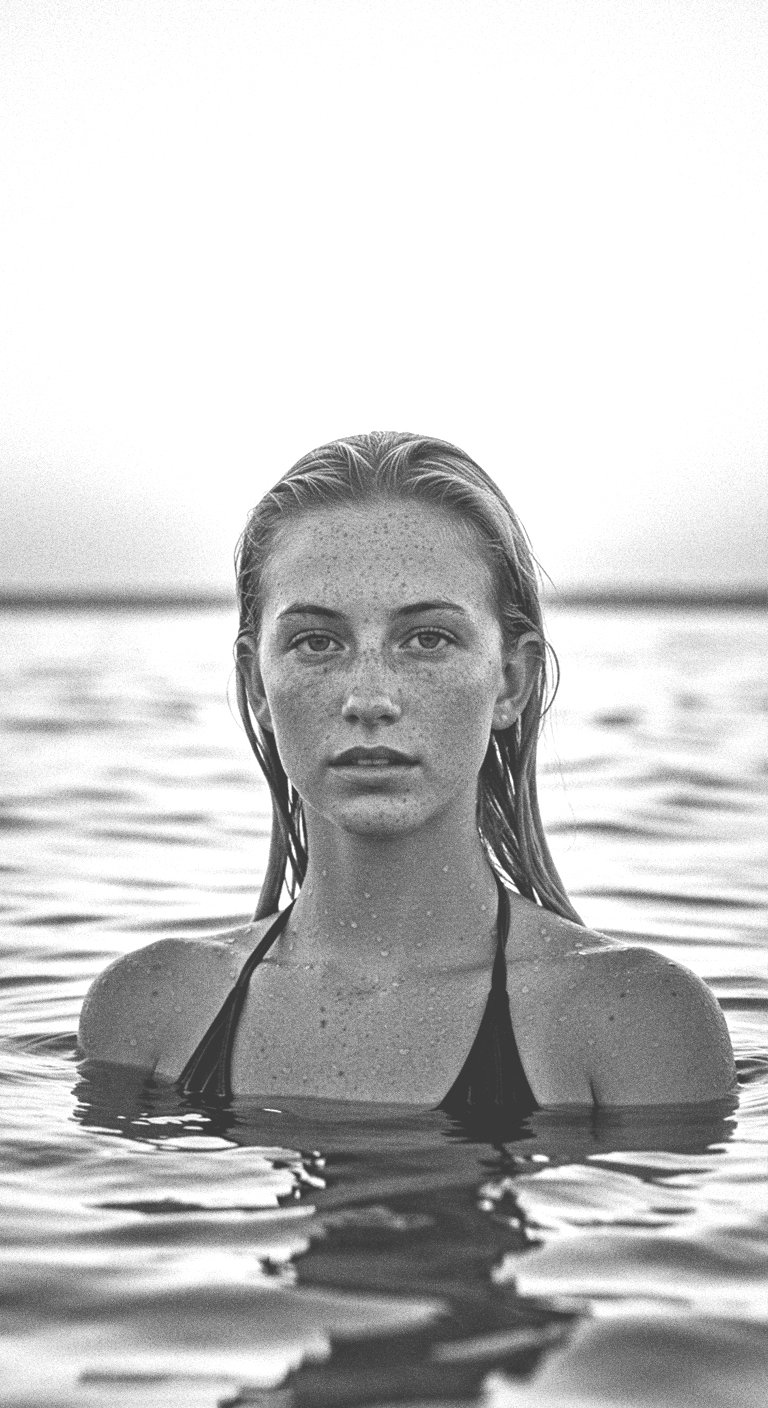
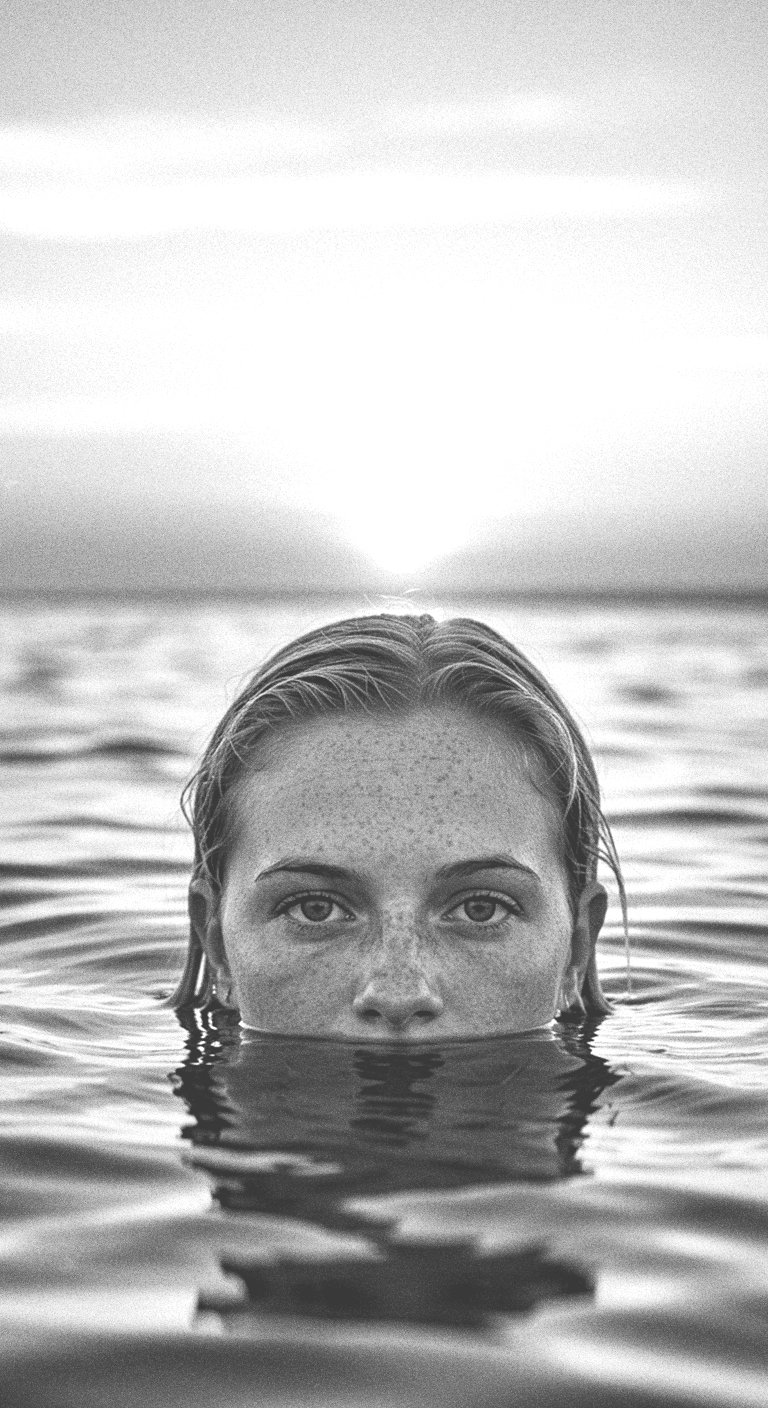
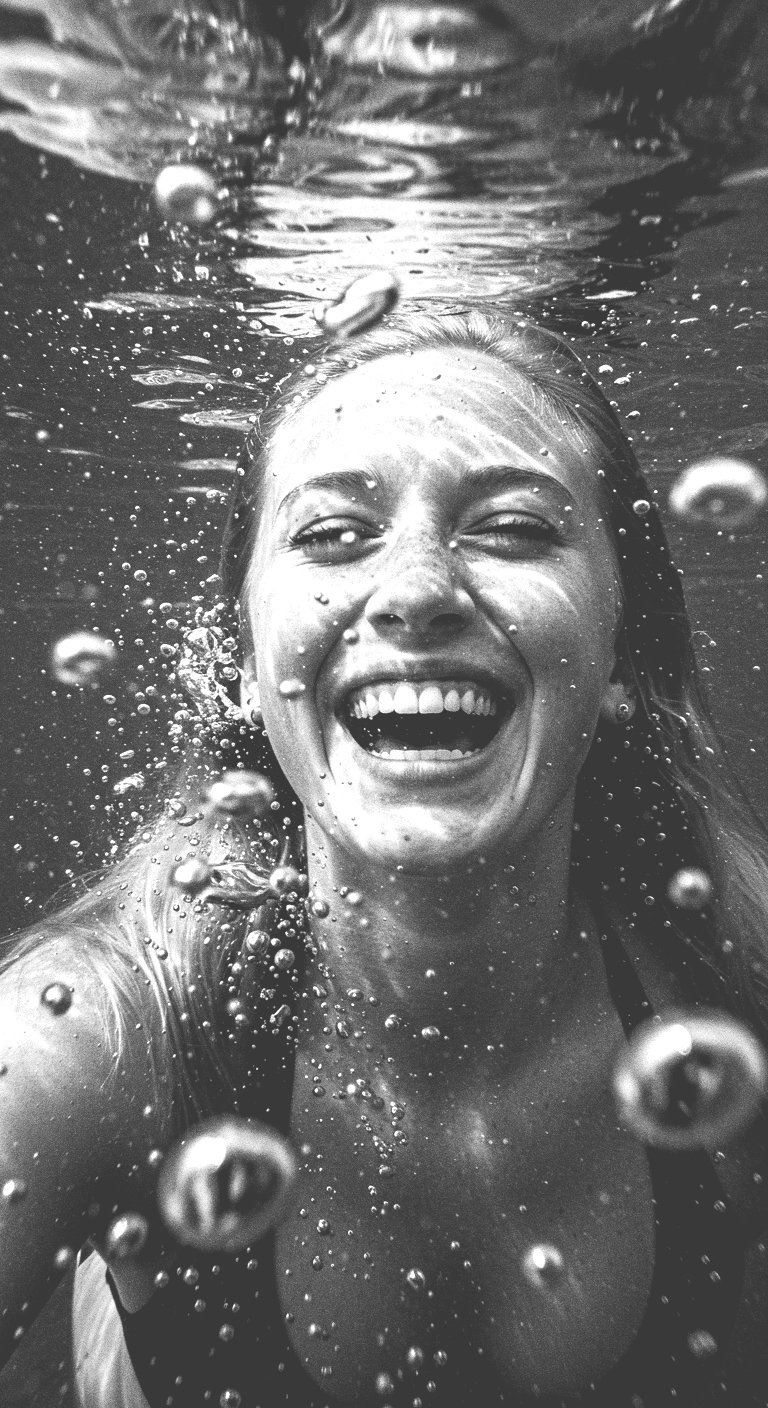
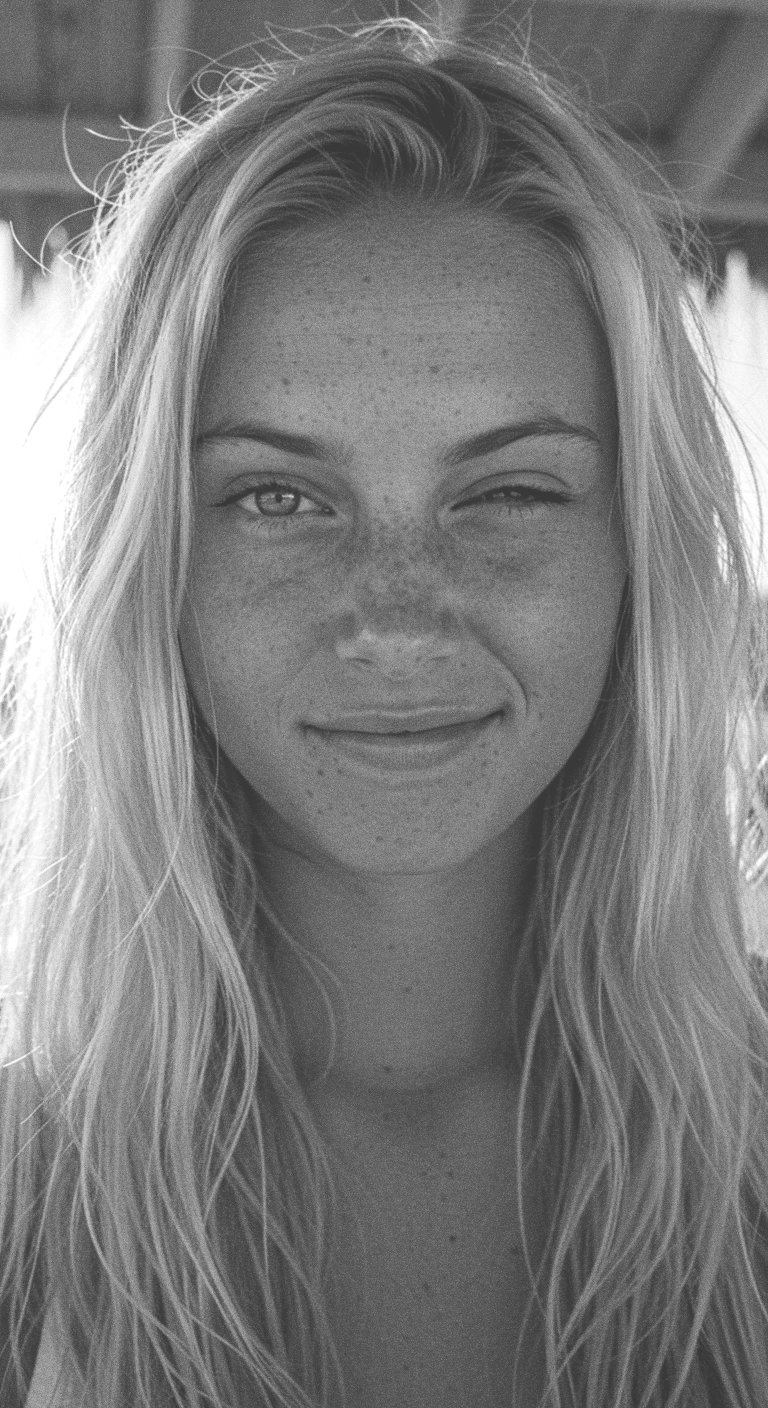
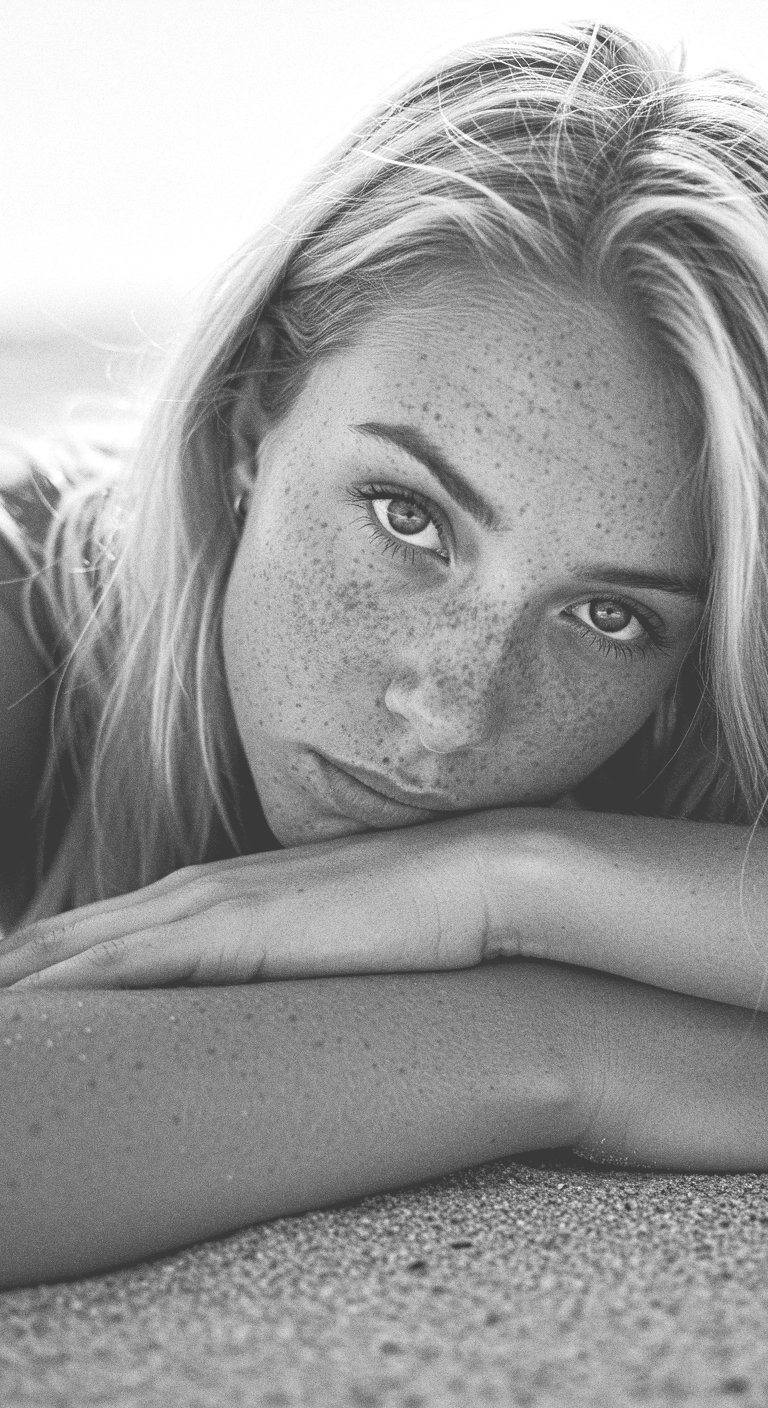
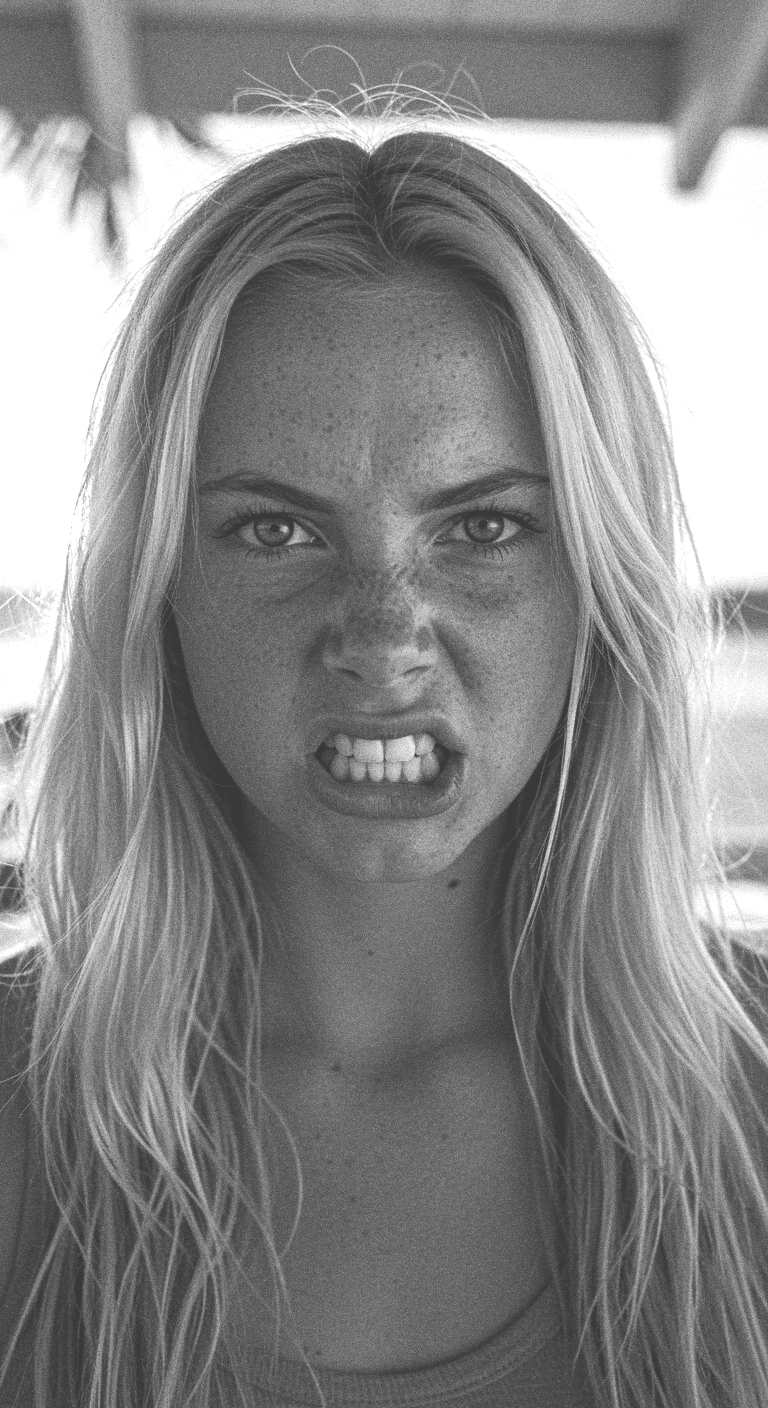
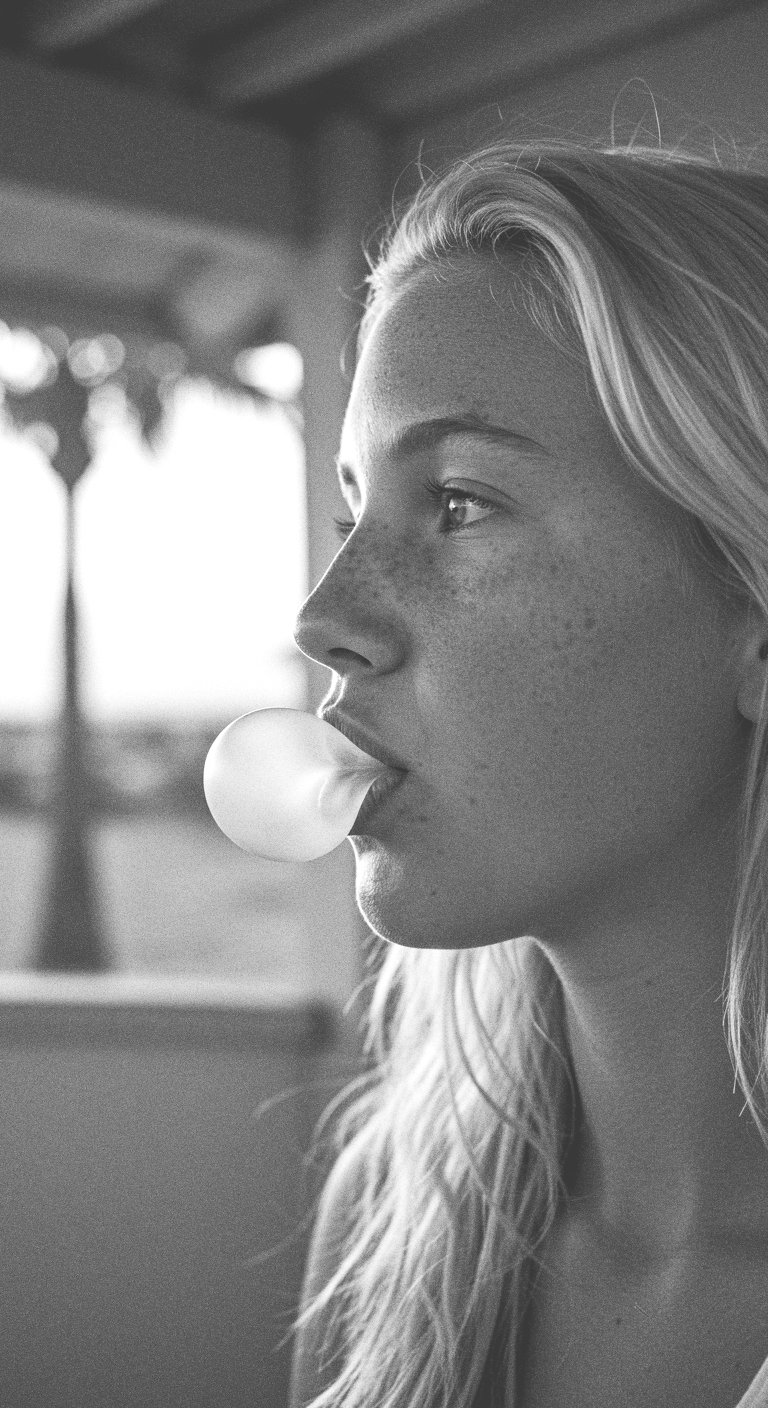
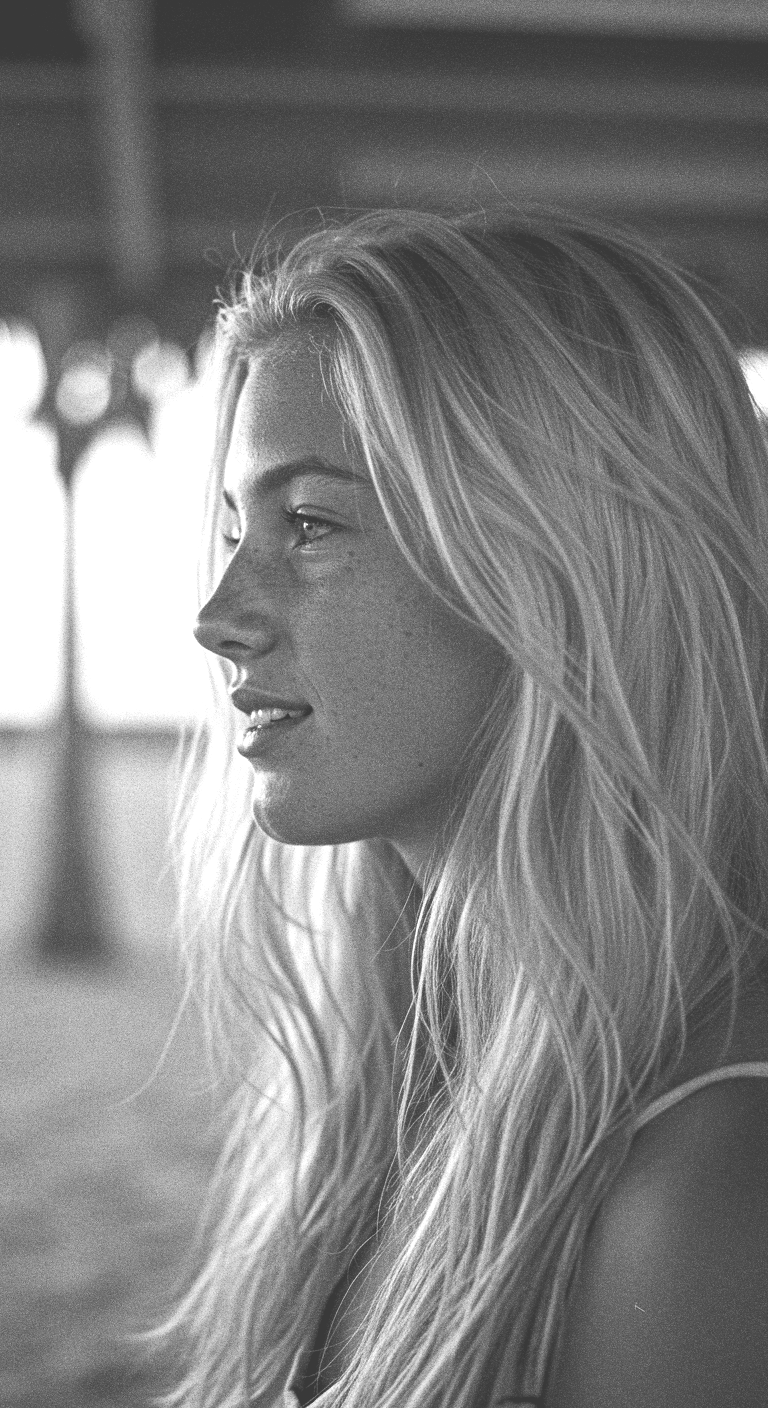
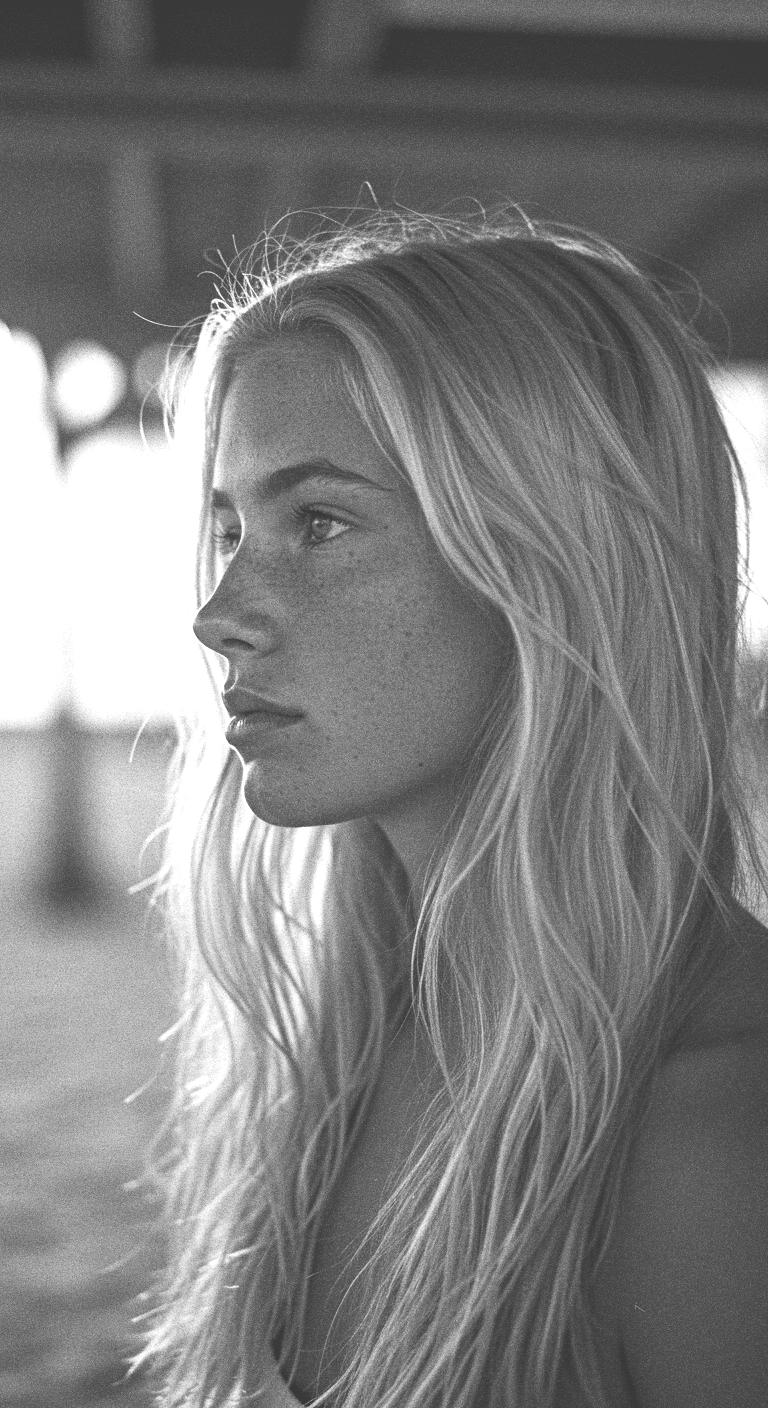
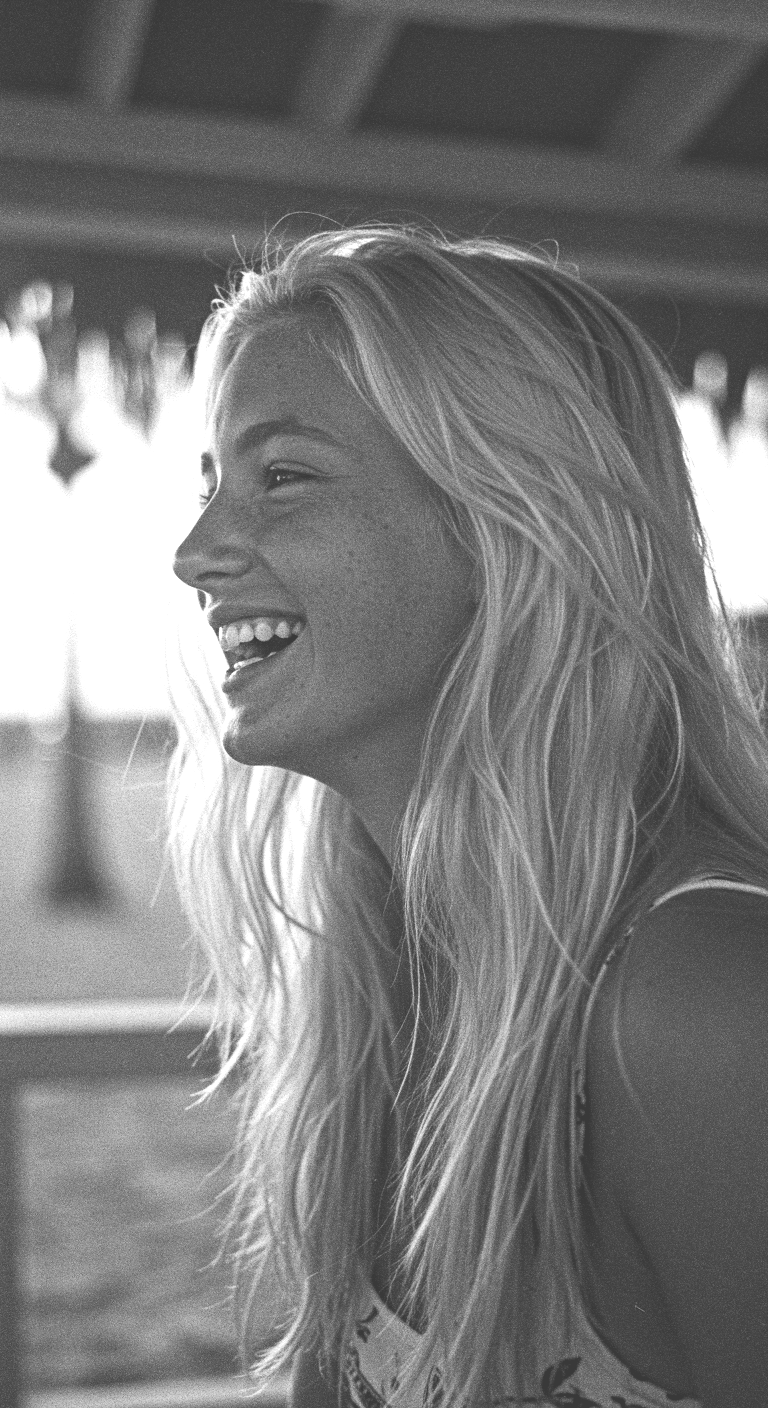
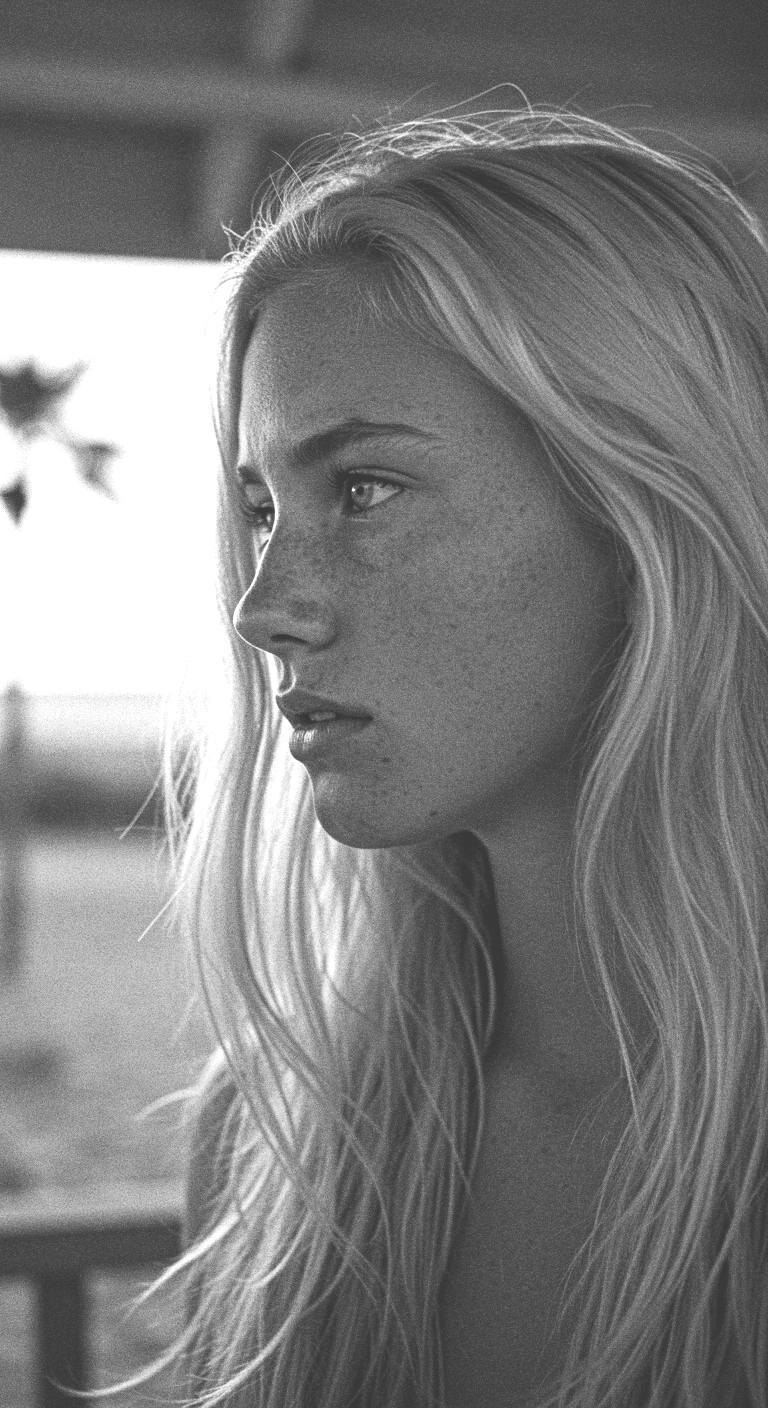
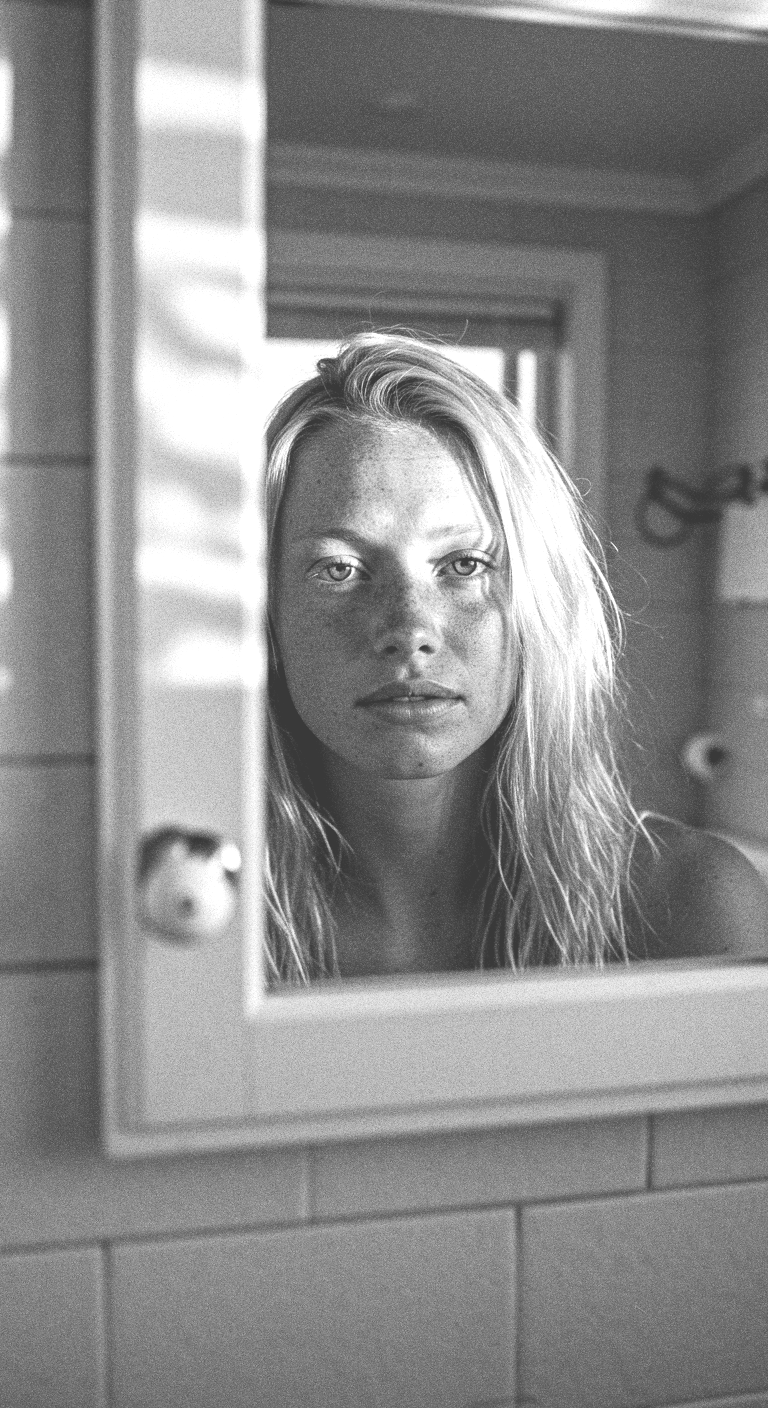
Initial exploration of subtleties in facial expressions and emotions
-
Initial exploration of subtleties in facial expressions and emotions
World Building Through Secondary Elements
-
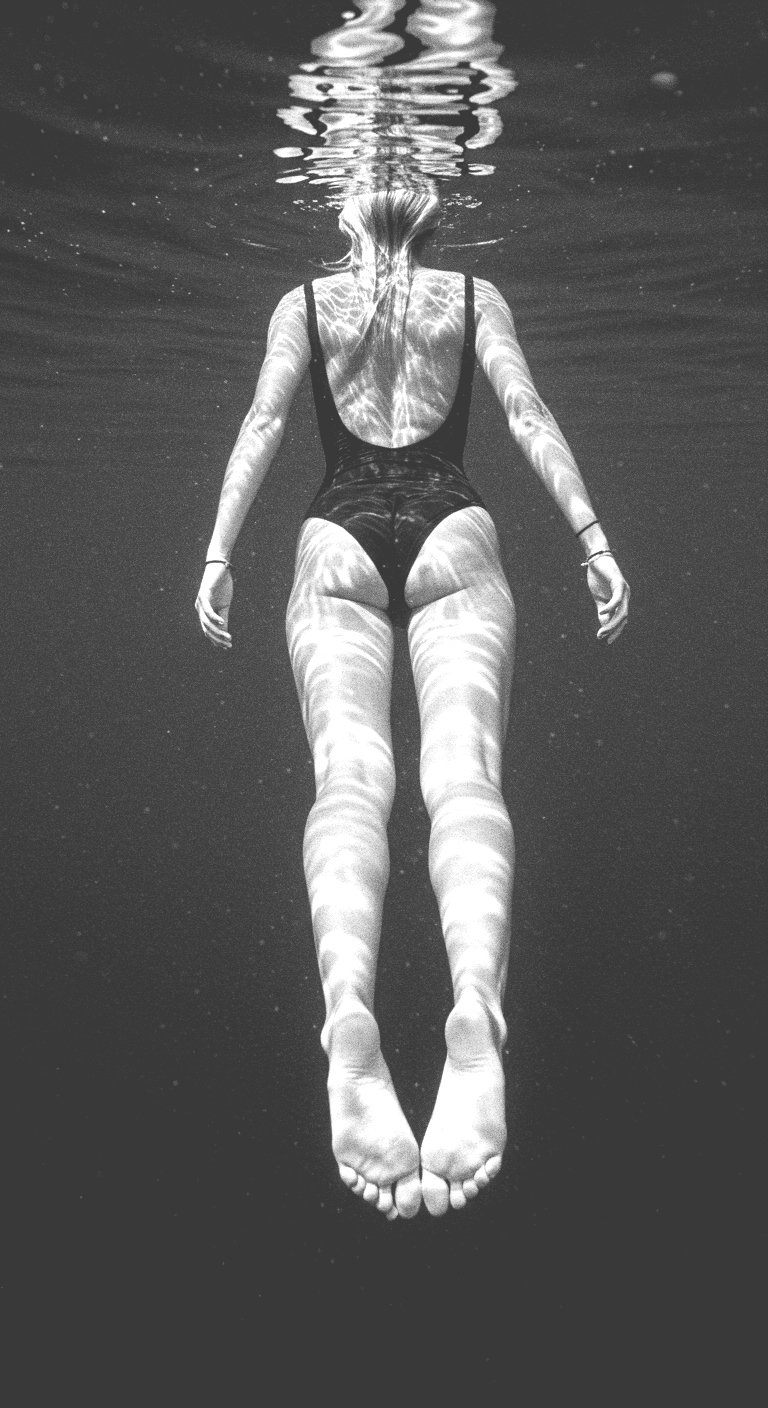
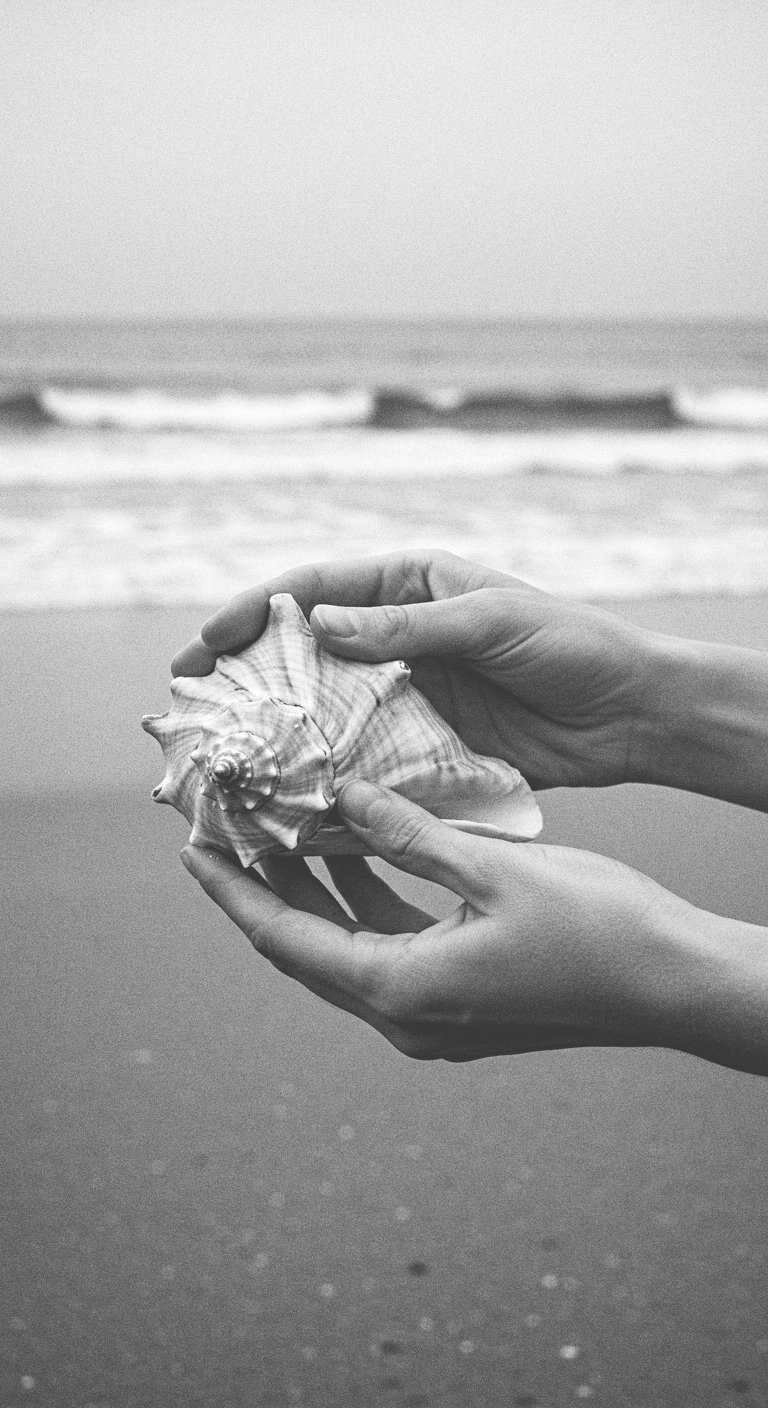
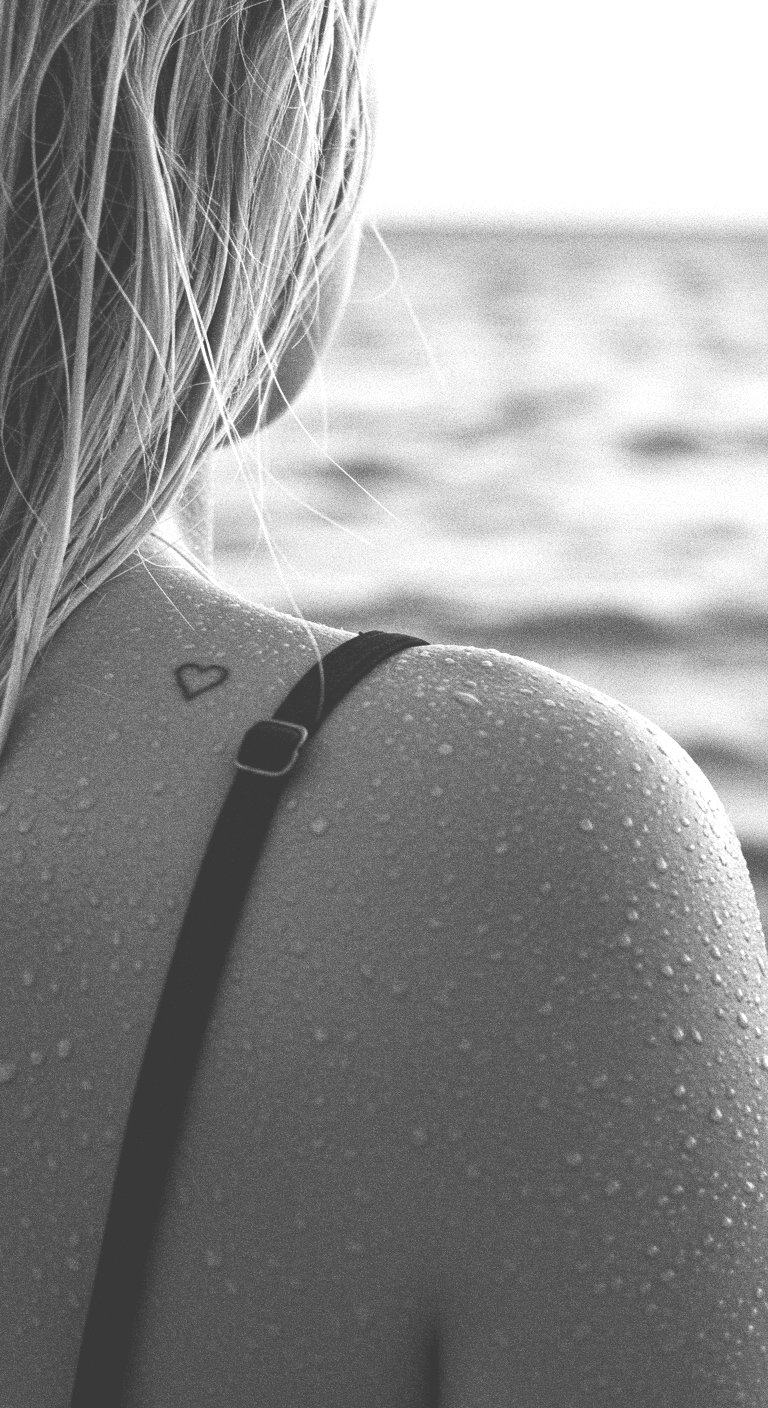
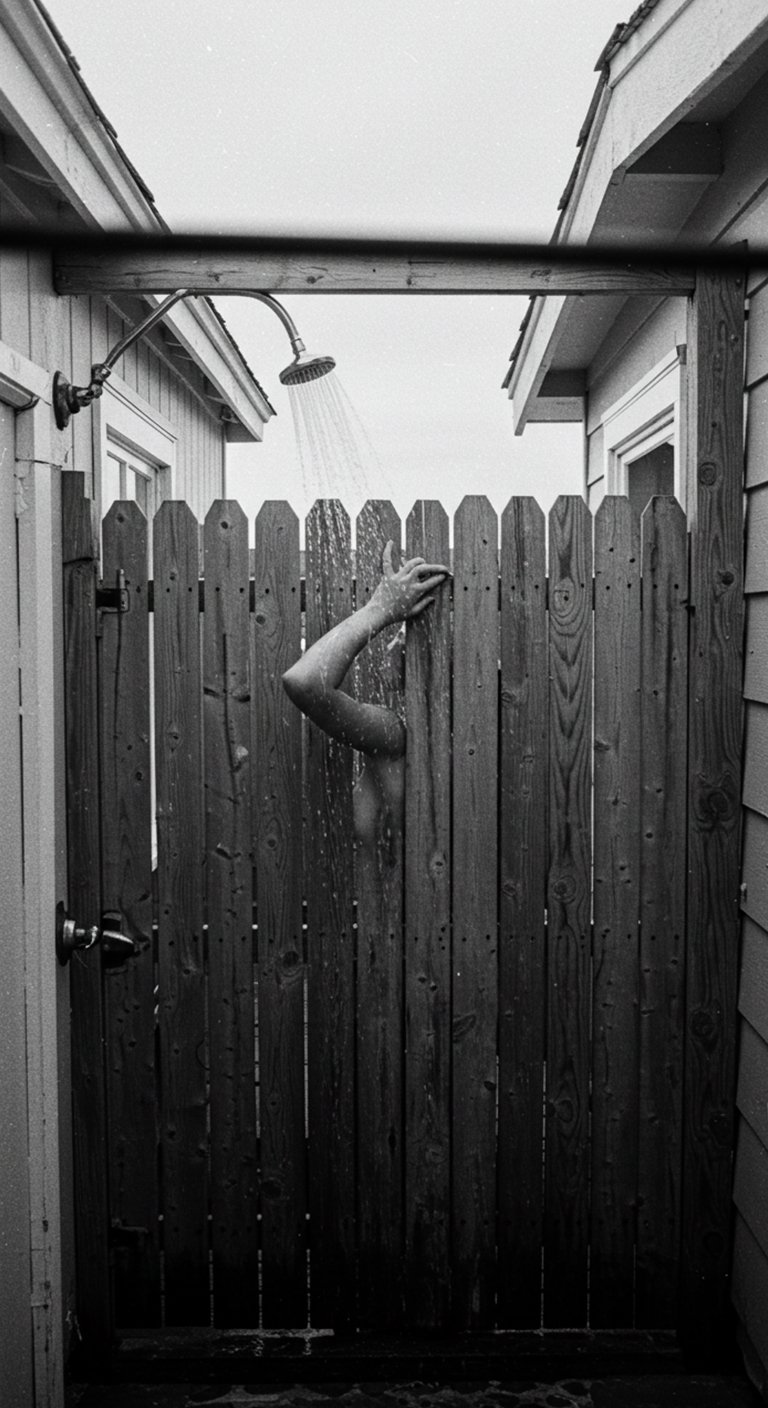
Adding in alternative elements surrounding Lilly
-
Adding in alternative elements surrounding Lilly
Issues
-
Details often get mixed up, fingers get chopped ( or added ), and the key qualities about Lilly get dropped creating more of a group of similar models vs. one single person. This will need to be addressed with a more complex training system and a more refined prompt phrasing technique.
-
Details often get mixed up, fingers get chopped ( or added ), and the key qualities about Lilly get dropped creating more of a group of similar models vs. one single person. This will need to be addressed with a more complex training system and a more refined prompt phrasing technique.
Tools
-
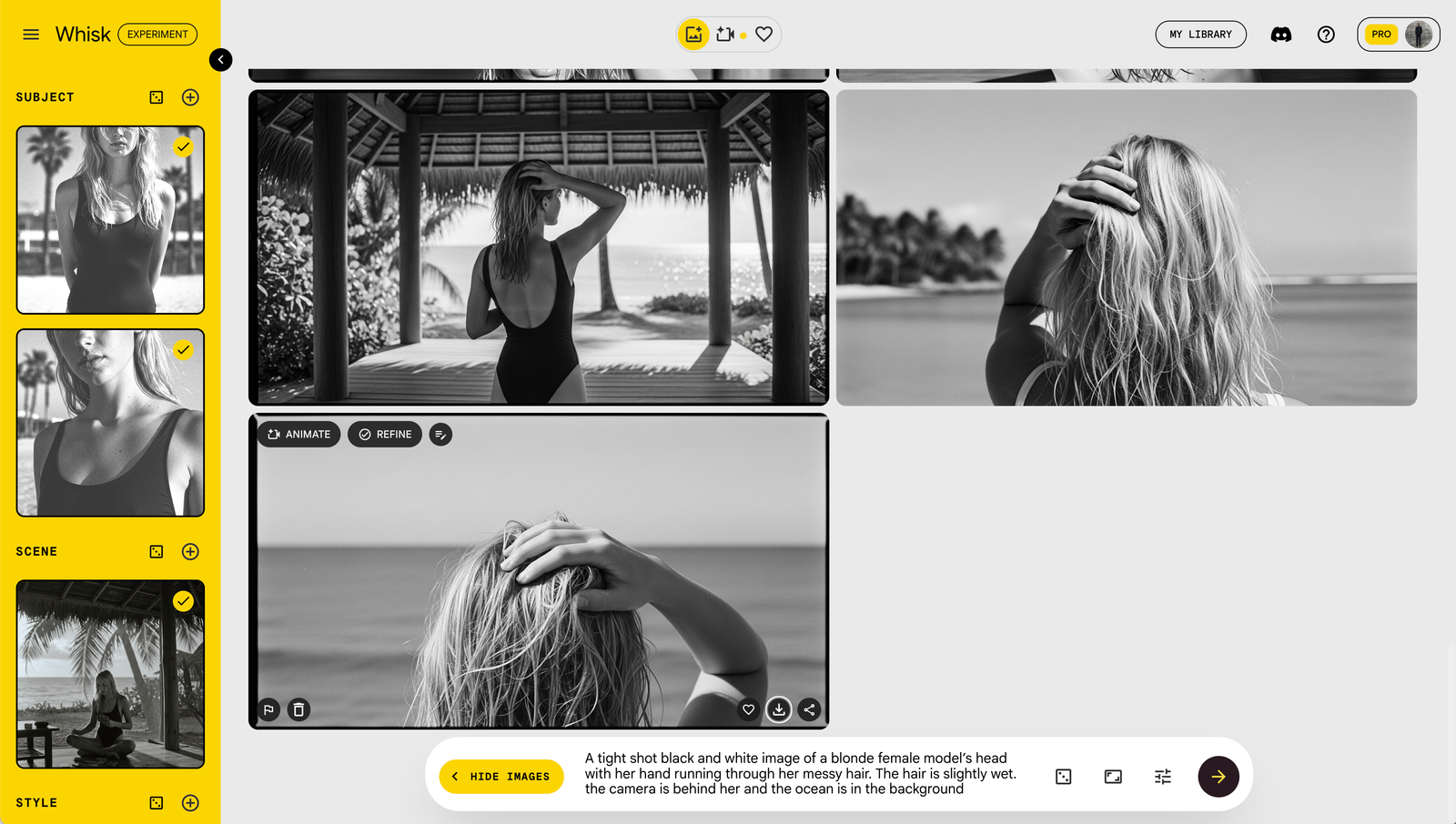
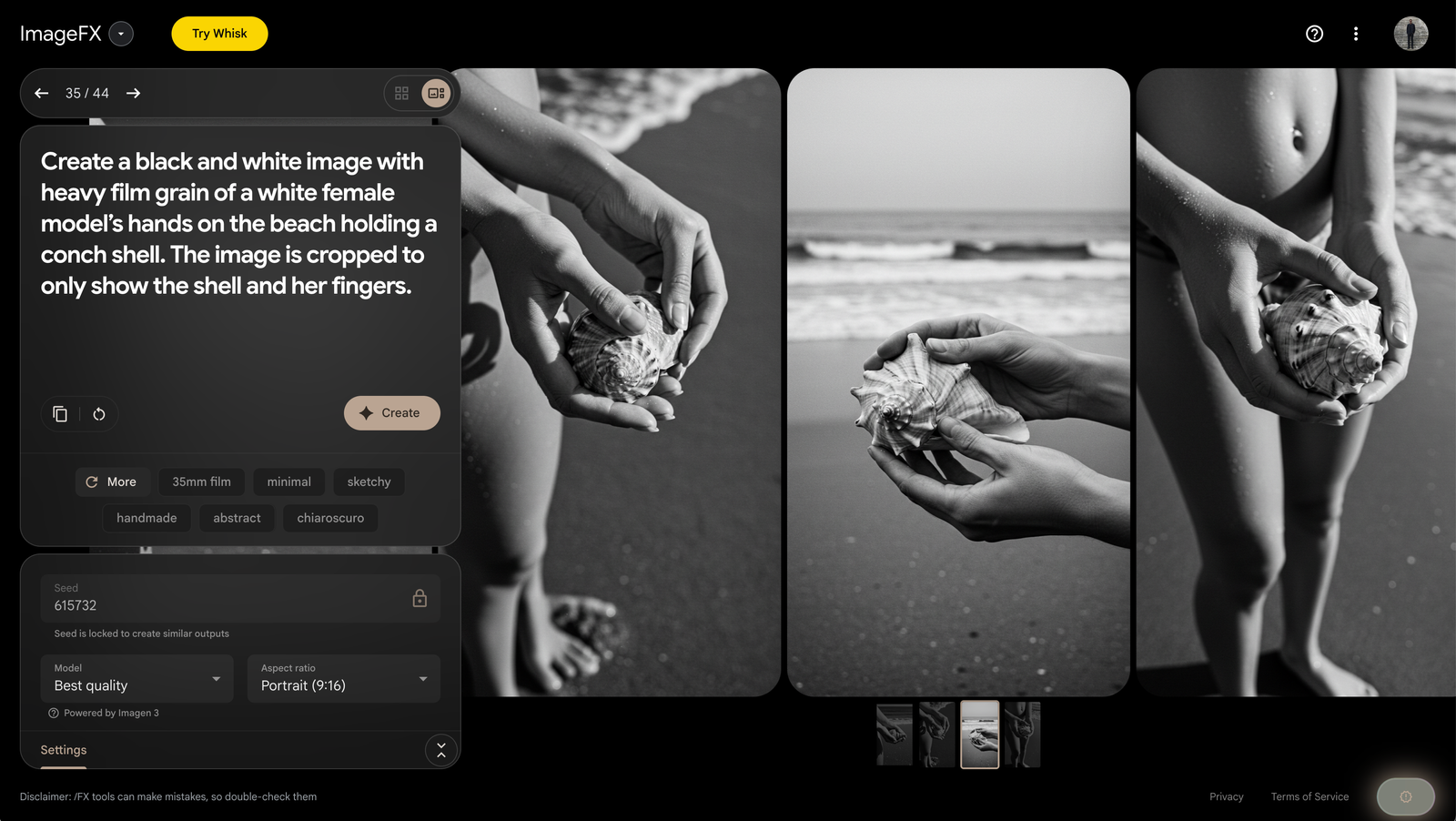
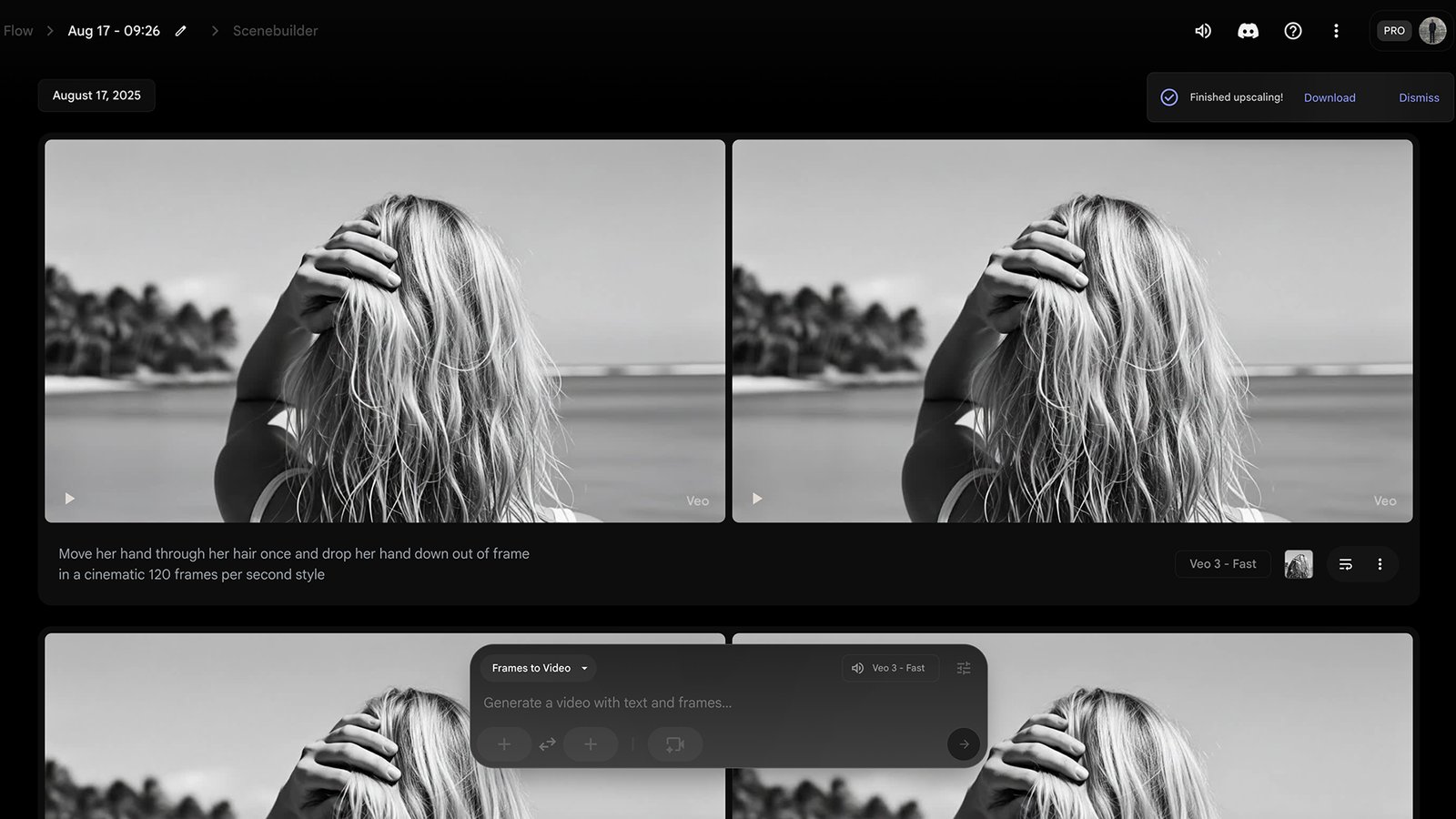
Generating and refining images primarily through ImageFX, Flow, and Whisk.
-
Generating and refining images primarily through ImageFX, Flow, and Whisk.
Management
-
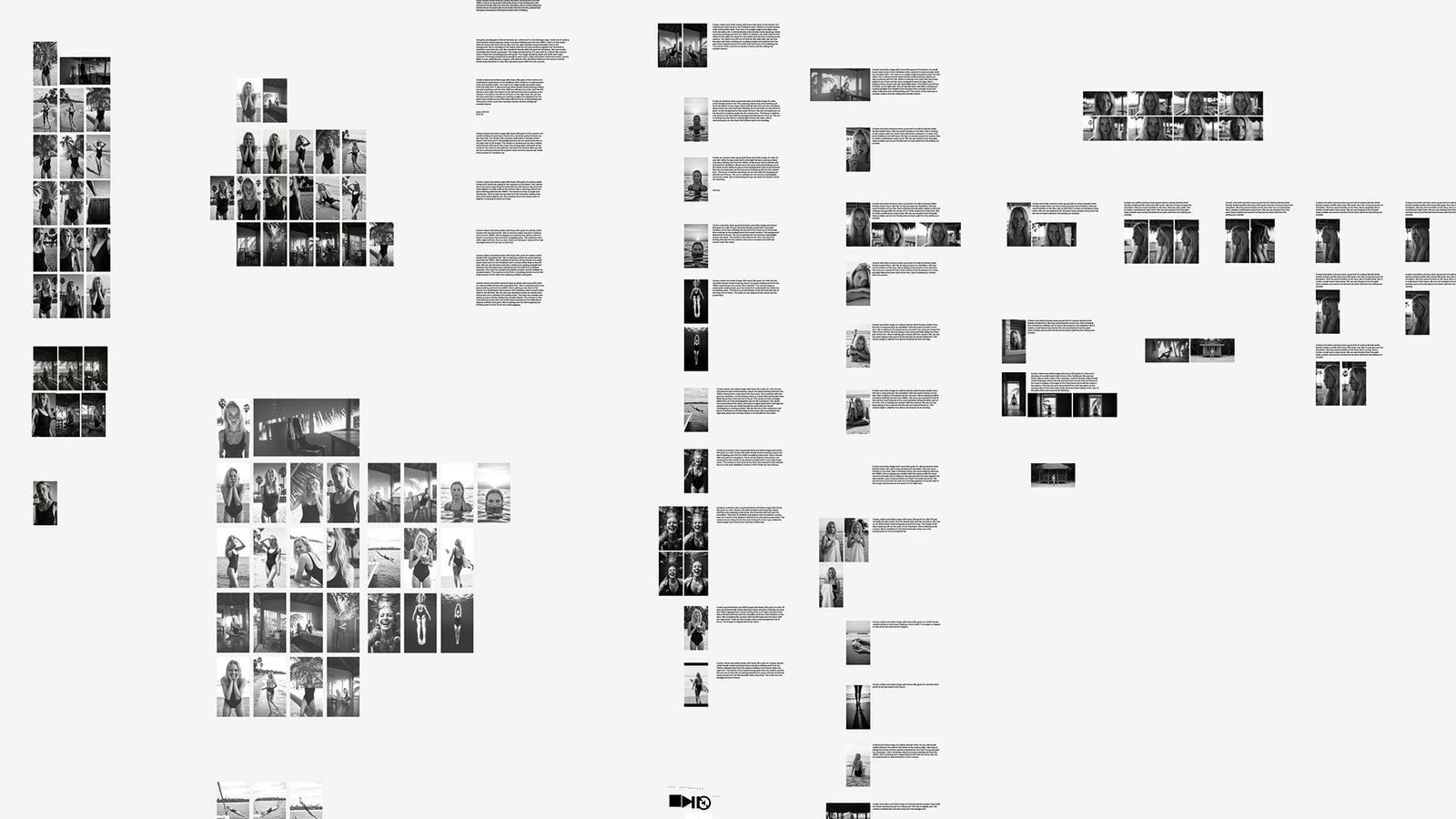
I'm currently using Figma to track generated assets along with prompts.
-
I'm currently using Figma to track generated assets along with prompts.
Next steps ( as of 8.12.25 )
-
In the future, I will continue to explore how far I can push this model. I'm looking to ultimately train a LoRA around a specific likeness, and be able to place Lilly into any new location, or set of parameters in the future. This will take some new learning on my part specifically around new tools that are specific to image generation and refinement of a single person. Stay tuned.
-
In the future, I will continue to explore how far I can push this model. I'm looking to ultimately train a LoRA around a specific likeness, and be able to place Lilly into any new location, or set of parameters in the future. This will take some new learning on my part specifically around new tools that are specific to image generation and refinement of a single person. Stay tuned.